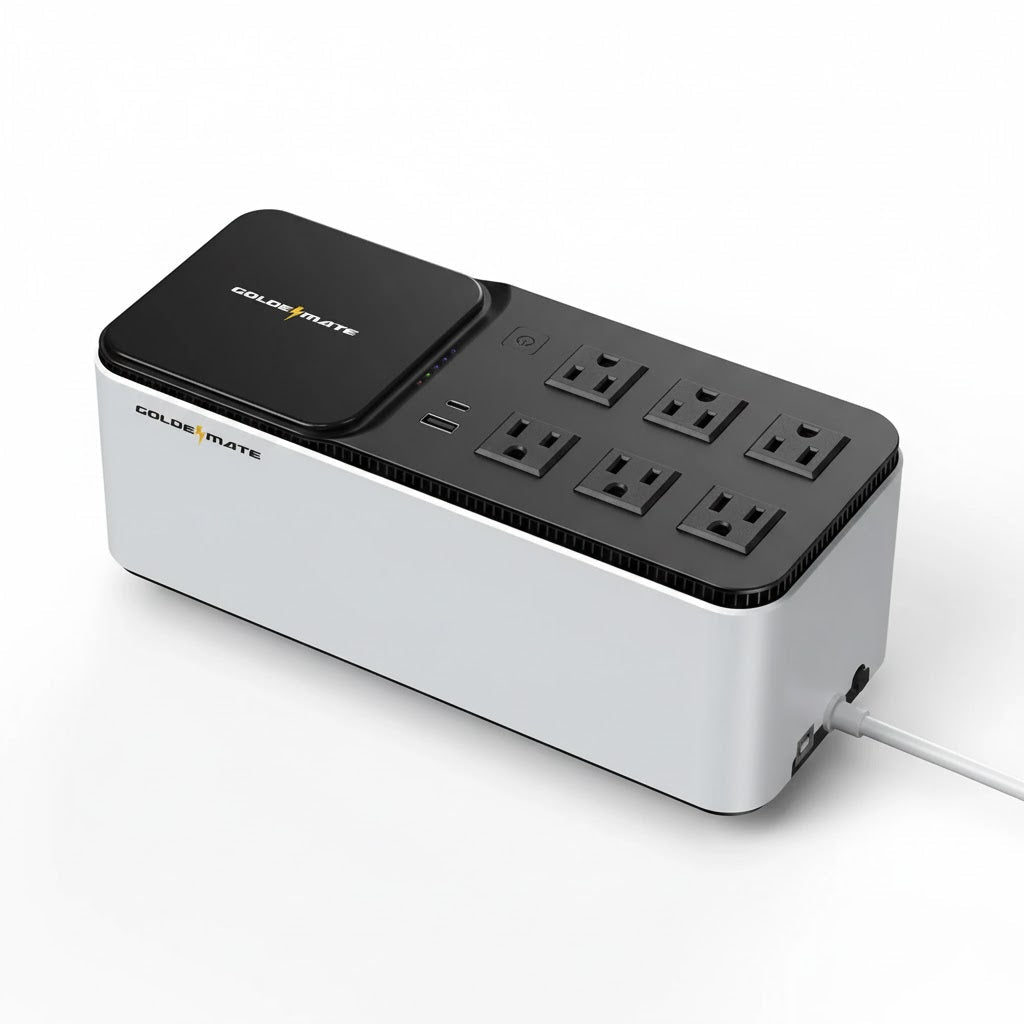
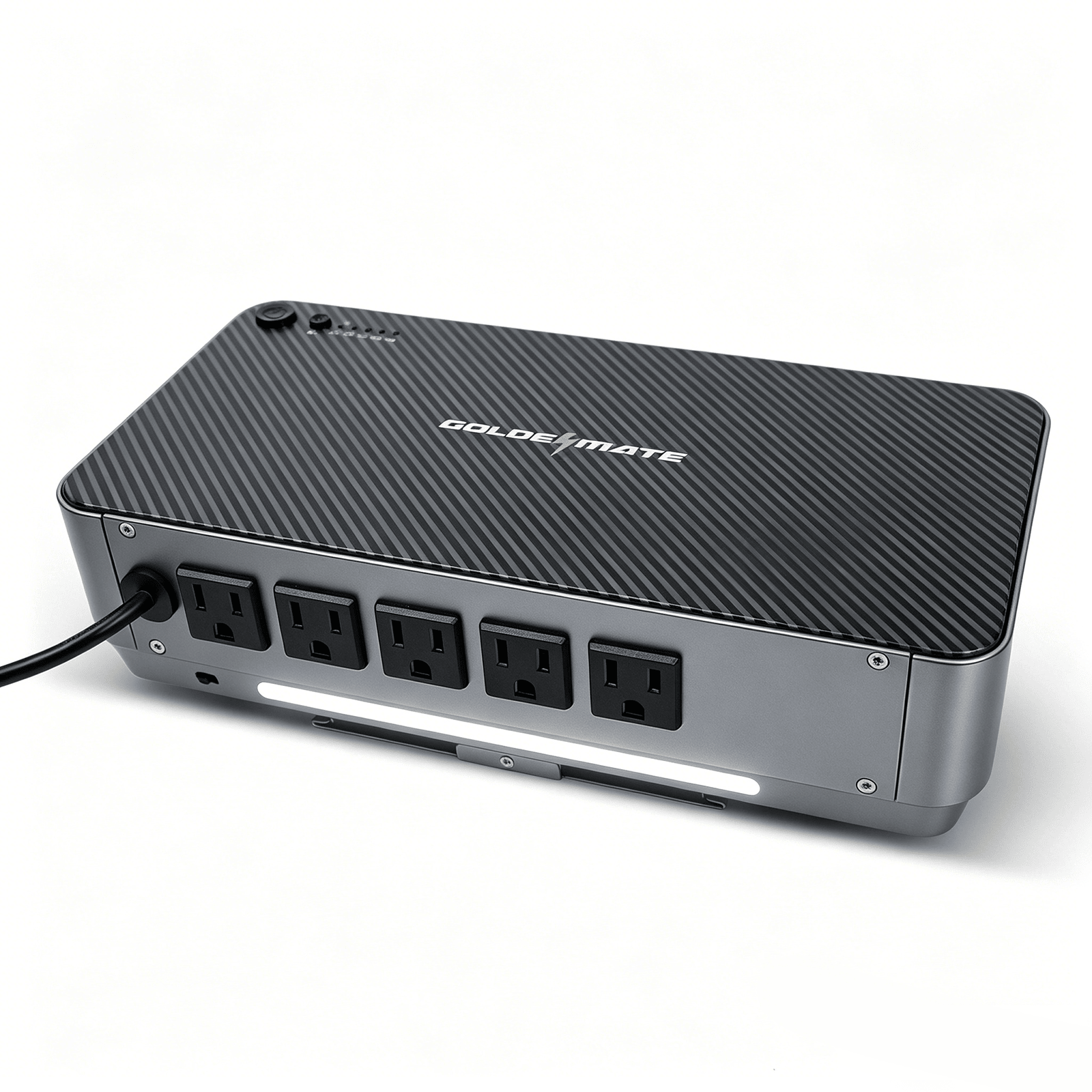

Help keep compatible storage, networking and workstation equipment running through outages and unstable utility power with pure sine wave output.





In stock! Ships within 1-2 business days.
30-day hassle-free returns.
2-year limited warranty.
Free standard shipping.
Pairs well with
1000VA/600W LiFePO4 UPS Pro 8 Outlets (153.6Wh) NAS
LiFePO4 UPS

Storage protection

NAS-ready outlets

Status at a glance


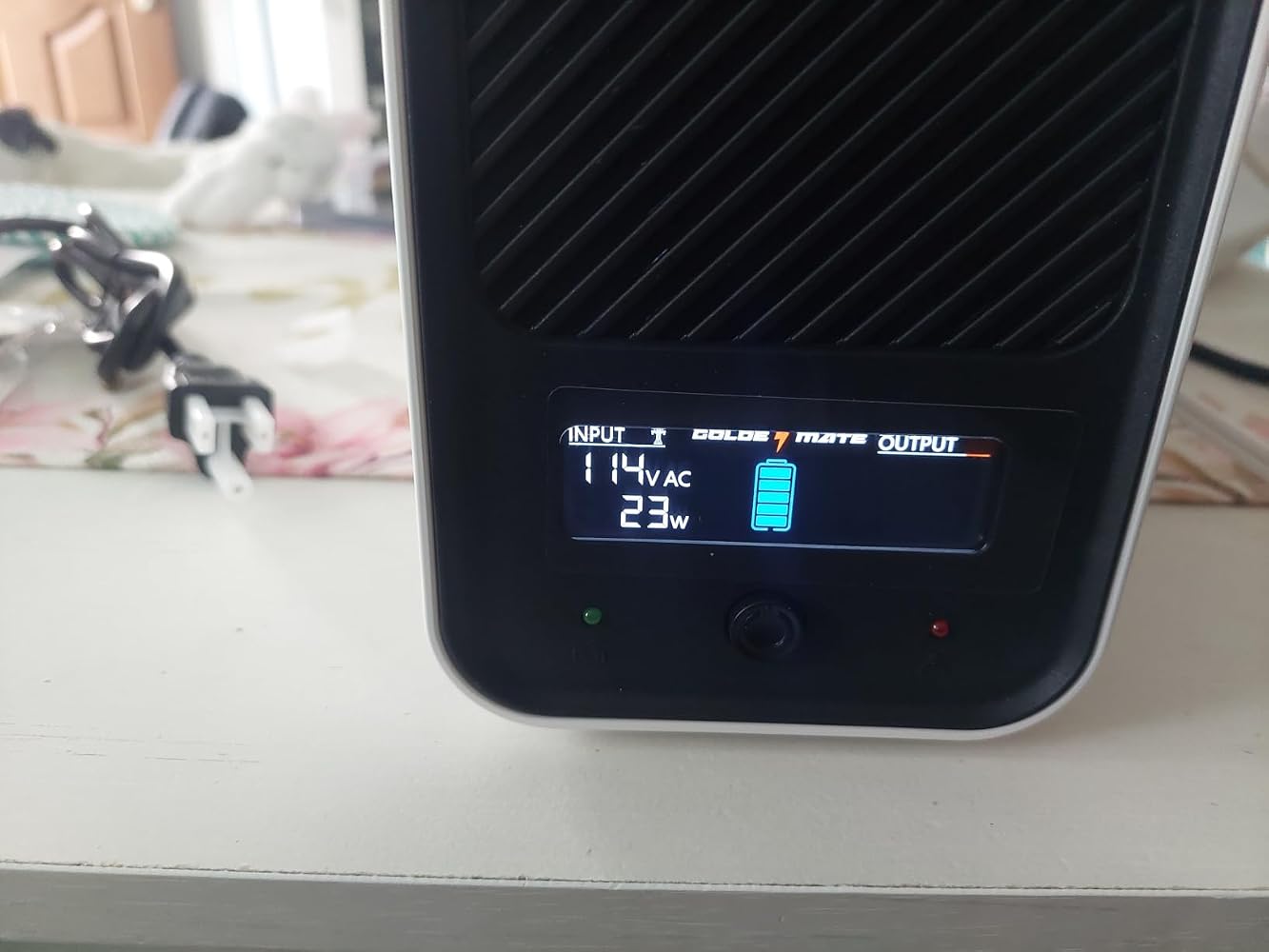
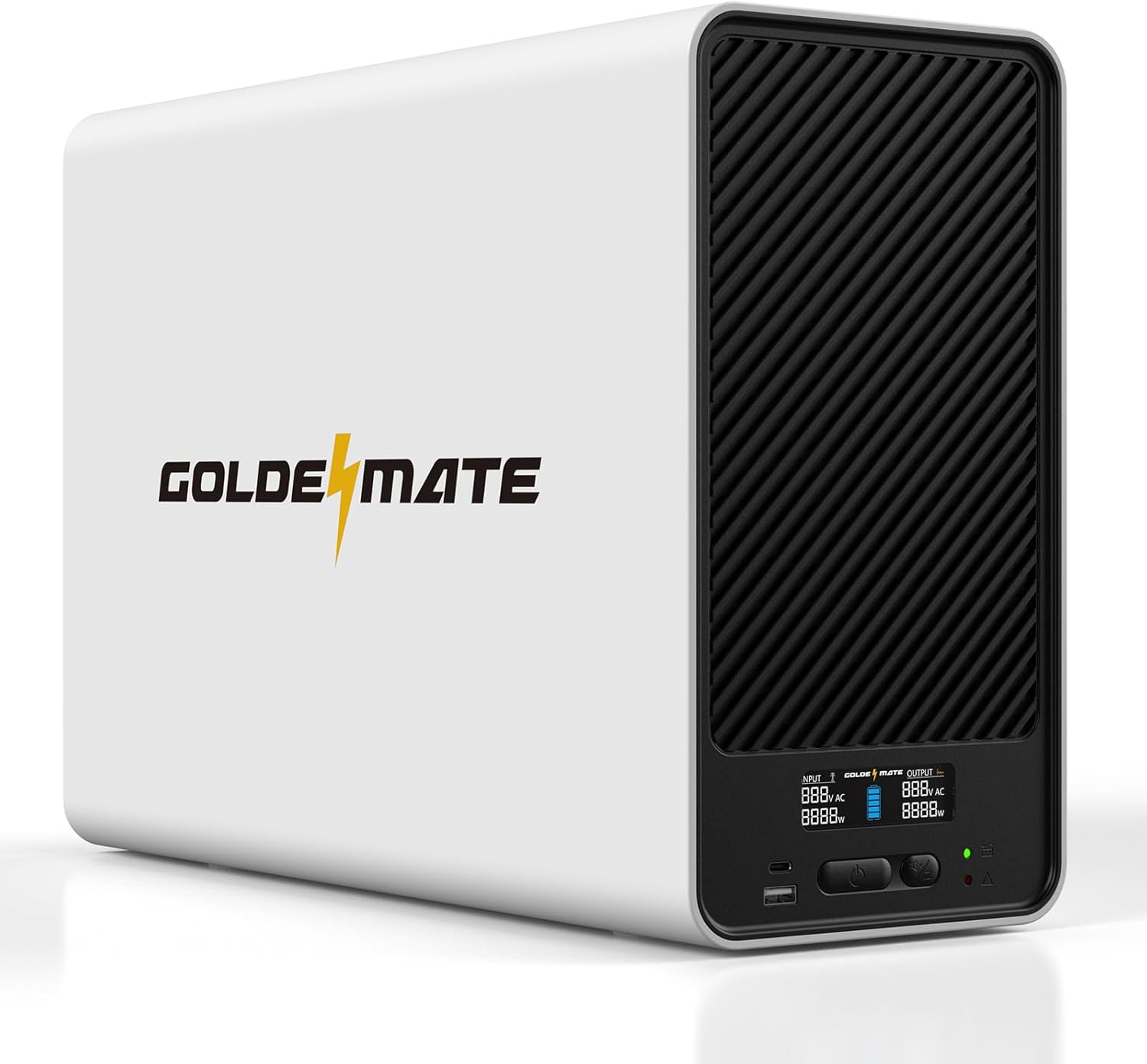
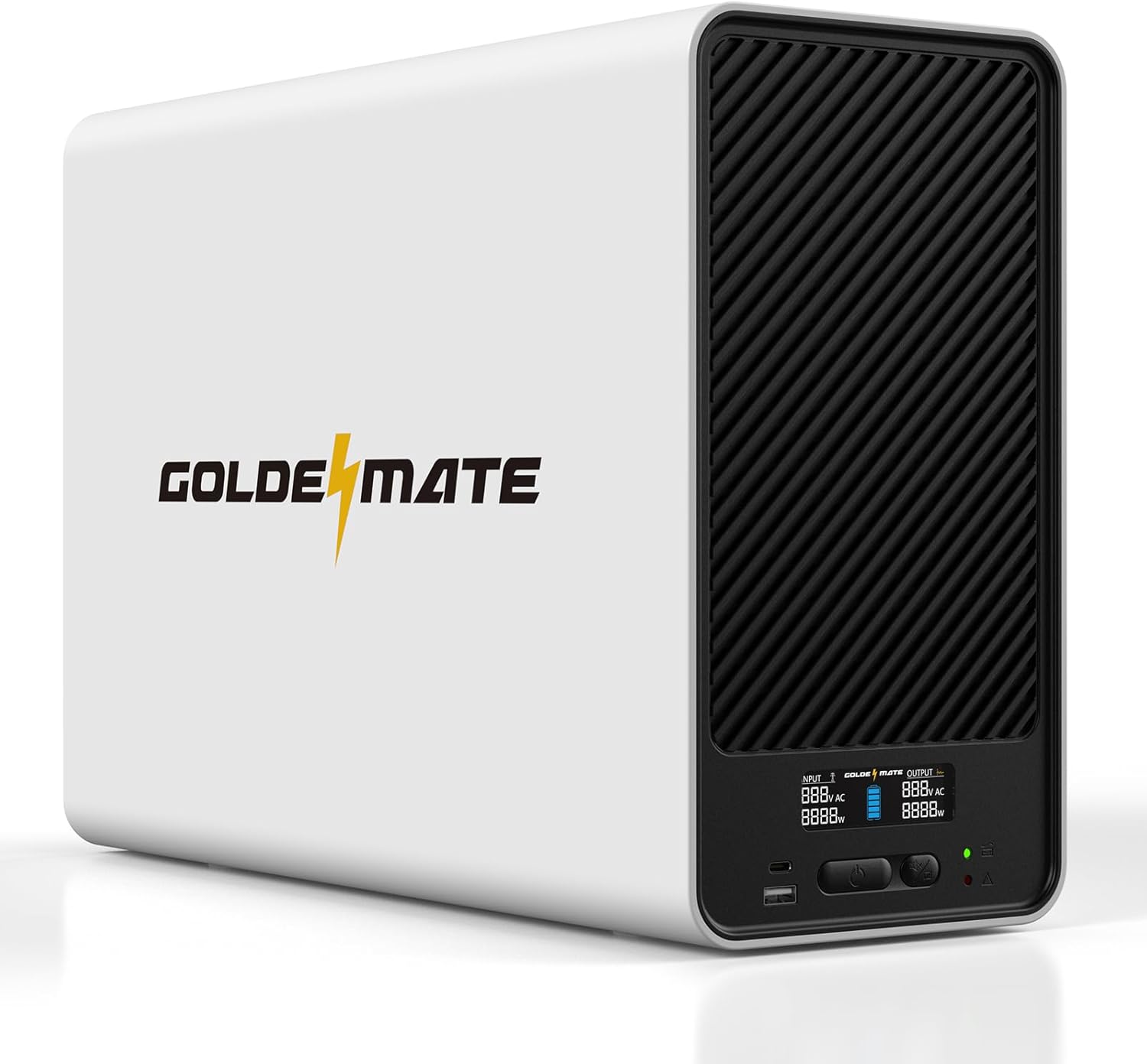
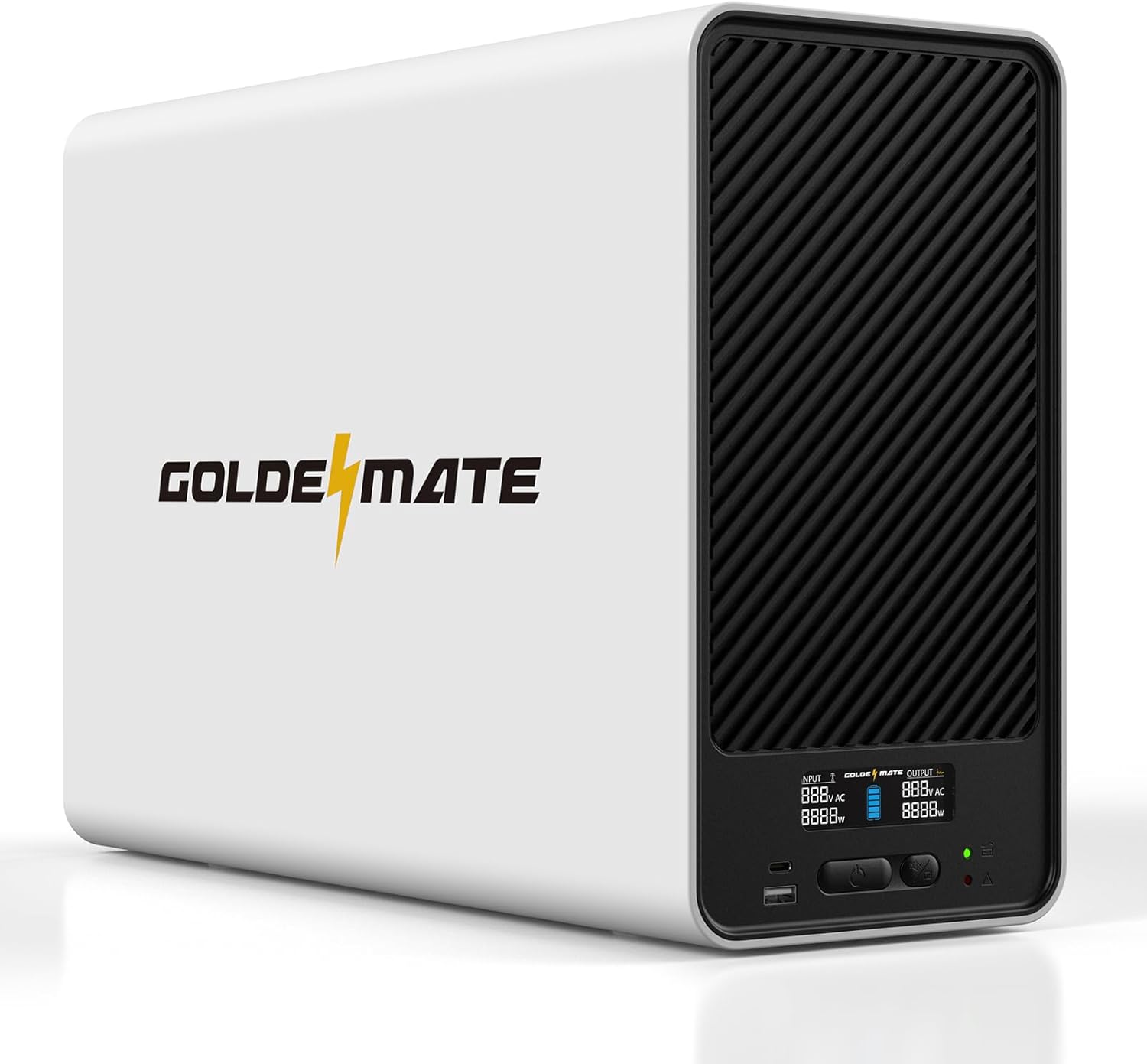
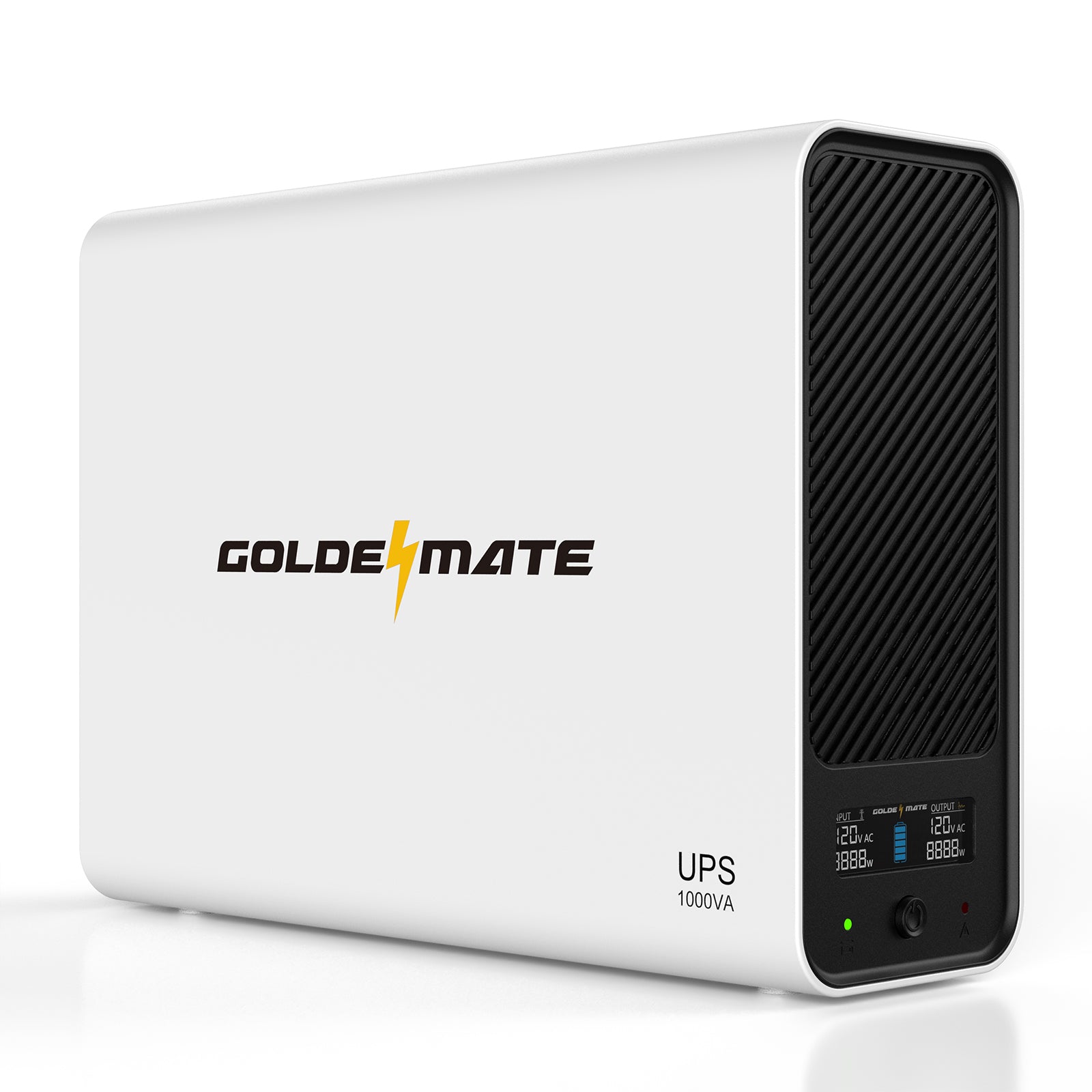
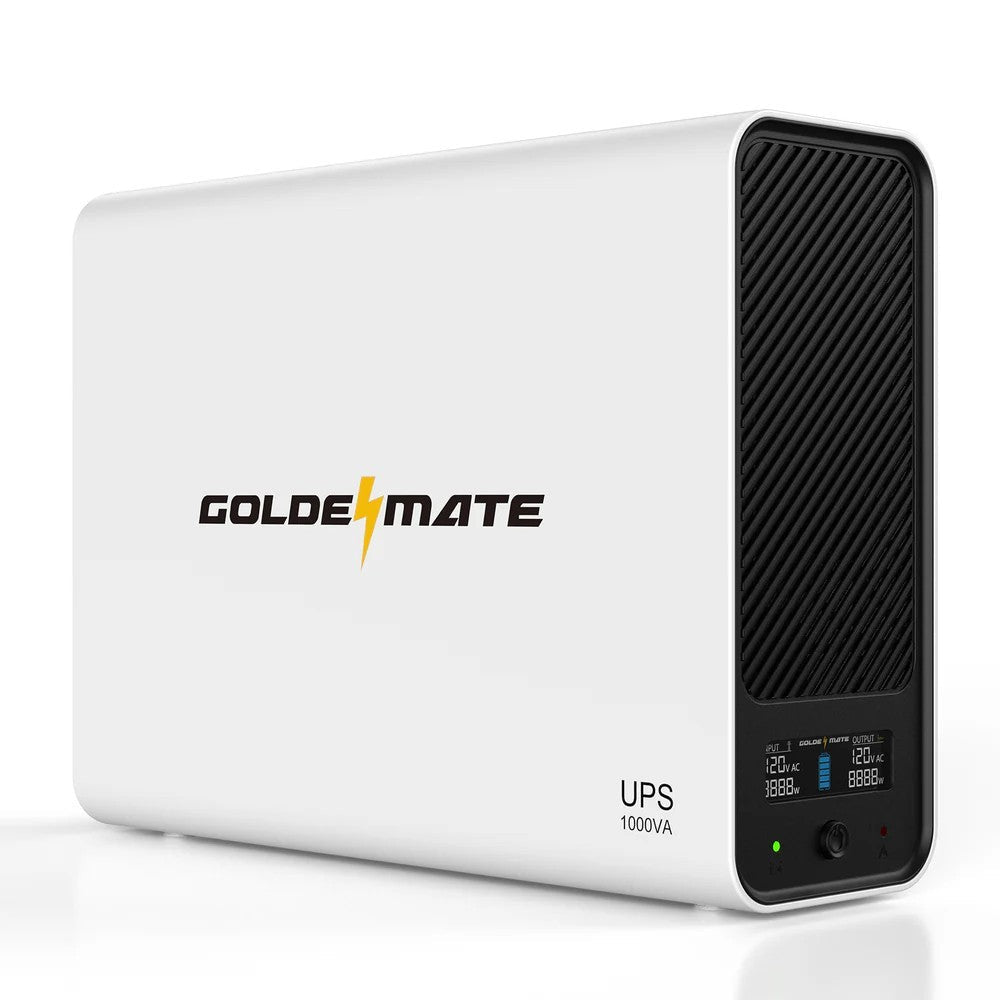
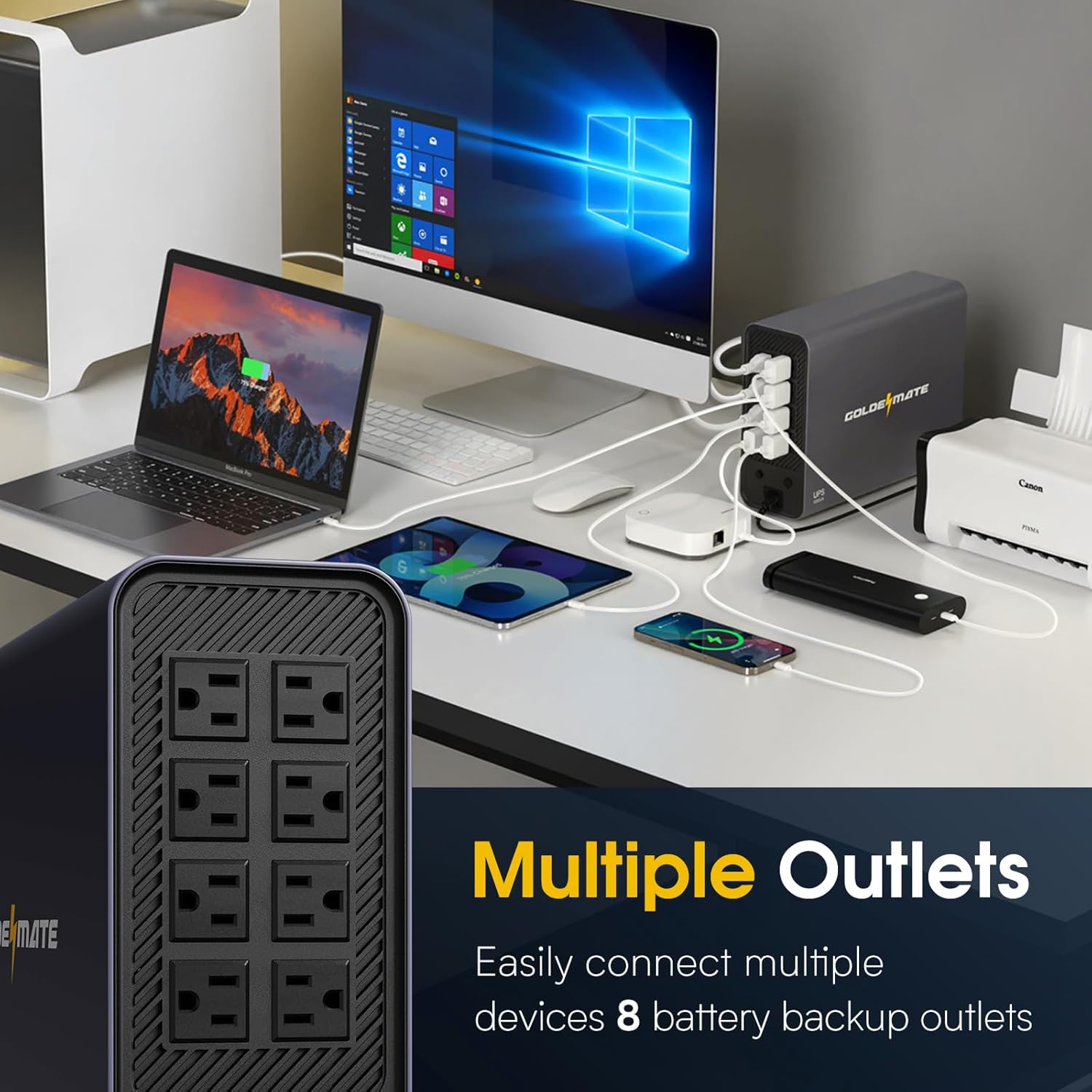
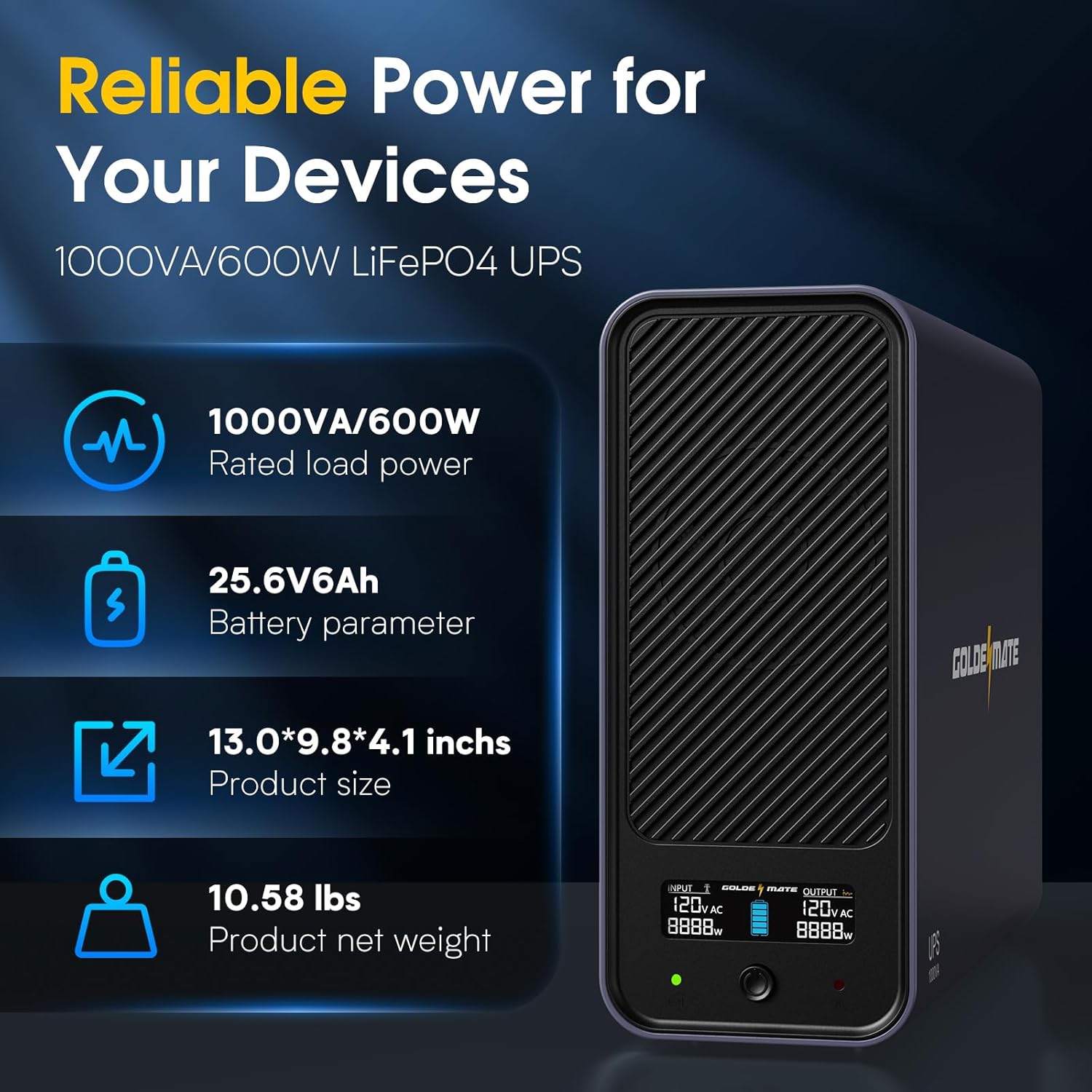
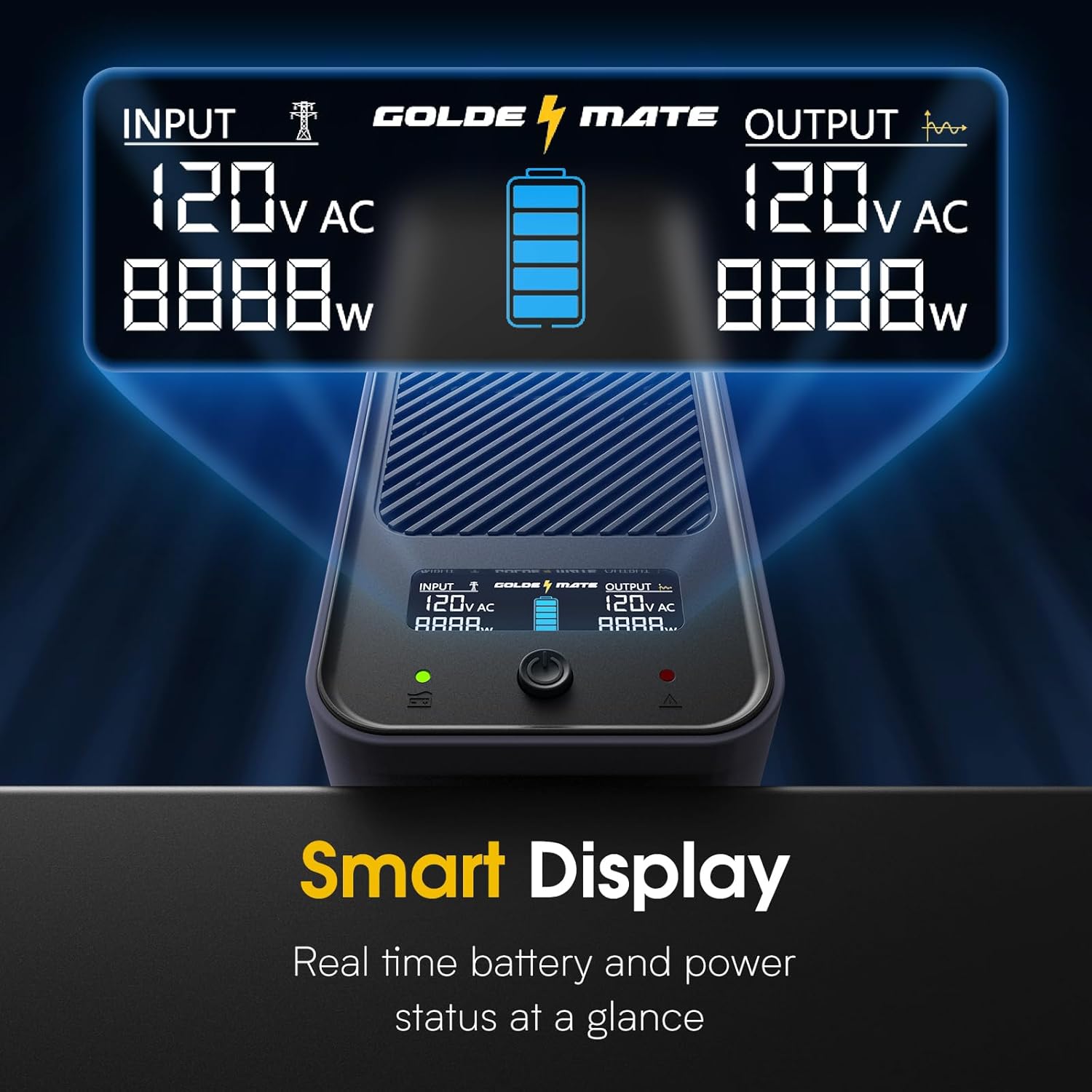
Contents: UPS; power cord; USB cable; and manual.The LCD screen is bright and easy to read. It displays input VAC and output VAC along with Watts drawn on each end. Icons show if the input main has power or is on battery. Finally, it shows the battery charge with five bars. It's easy to see what's going on. A green and red light, along with an audible beep, provides state indicators. Nine state scenarios are outlined in a table in the manual. The LCD also shows fault codes that are referenced in the manual. When there is power and it's working the screen goes to sleep and only the green light is on. Thankfully, that green light won't light up a dark room but is bright enough to see at a glance. A single button turns the unit on, turns it off, turns on the LCD temporarily, and silences the alarm.Rubber pads are on the bottom, so it's meant to be a tower. The case is a nice flat white (or black) and it looks nice. Cooling slots are on the front. I cannot hear the fan.There are eight NEMA 5-15P outlets on the back, two columns of four. They are all battery backup enabled. They are close together so an outlet will be lost if an AC brick plug is necessary. That's ok because eight outlets are plenty for one PC, a modem, and a router.Battery run time is good. They specify 25 minutes at 300 Watts draw @ 77 F degrees. That's good enough to hear the alarm, close your work, and gracefully shut down. I have not overloaded it on purpose. I drew around 80-100 Watts on the battery for 85 minutes. The top was barely warm to the touch. Without software, I am not sure what the USB cable connected to my Windows 11 desktop did. It did not detect the type of UPS or the battery level, so it did not automatically shut down the desktop. Battery-related settings in the power plan had no effect. HID UPS was my driver. That's ok because when I am on the computer I can save my work and shutdown. If I am not on the computer I won't have anything to lose. I did not test surge protection or a pure sinewave output because I didn't have the equipment. What I can attest to is switching from main power to battery had no effect on my devices and battery run time was great. What makes this worth it is not having to buy lead-acid batteries every other year because these are LiFePO4. I regularly find out I need a new battery when it matters the most, during an outage. That said, there is no obvious way to open it as it should be maintenance-free.Considering the price is equal to the big-name 1000VA lead acid UPS units I highly recommend this Goldenmate LiFePO4 UPS. In the long run, I would have spent enough on replacement batteries to buy another one of these.
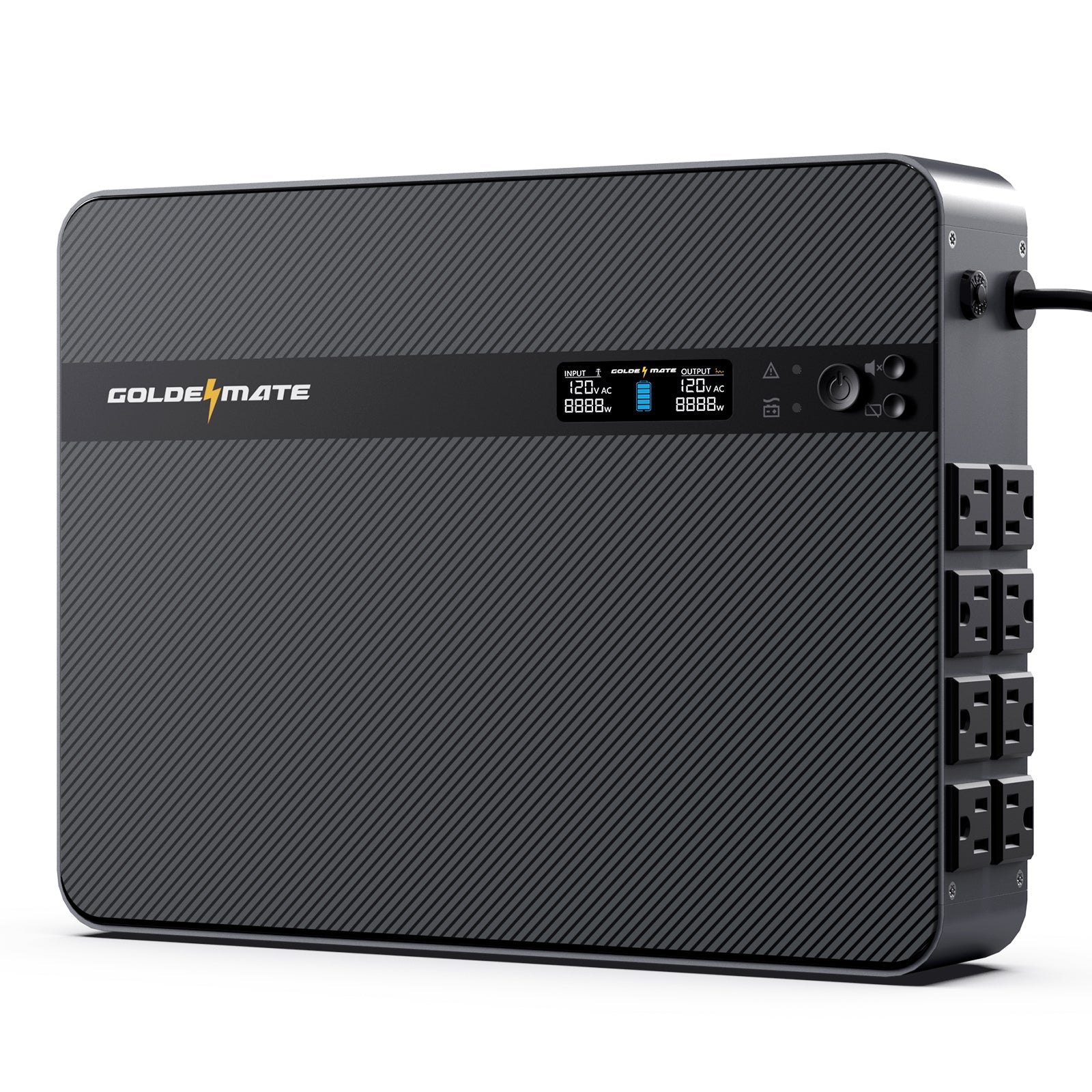
So far, I'm impressed with the Goldenmate 1000VA/600W UPS. I'm using it with a mini PC that runs routing software, a cable modem, and a Wifi AP. This setup only uses around 20-40 watts, so the 150 Wh battery pack should keep it running for several hours. It seems to have a built-in fan, but my use must be light enough to avoid the threshold where it switches on. At 50 dB, it would certainly be obvious.The unit has 8 AC outlets on the back to provide power to your devices. It gets power from a standard IEC inlet. It ships with a power cable you can use, but you can just as easily use one of your own. There are no USB power ports, unfortunately. The screen in the front is bright and includes the battery charge level, watts in, and watts out.The product description mentions the UPS complies with various UL standards, which is nice. However, there are no UL badges printed anywhere on the product itself. I also haven't taken the product apart to see how it's wired up, and I lack the skills and equipment to verify compliance. From the outside, anyway, the product seems quite clean.While Goldenmate doesn't seem to provide any software to control the UPS, the universal NUT package can access it to get basic power status and tell your systems when to power down cleanly on Linux and other systems. The available metrics are pretty basic, and unfortunately, I don't see a way to trigger a battery test. A console screenshot with ouptut from NUT's upsc utility is included with the review to get an idea of what values are available to the system. It works with the "iDowell" HID driver.Overall, the Goldenmate is a nice no-frills UPS with a generous battery capacity. If you don't need a lot of features, this unit is definitely worth a look. I will update this review in the future if any issues arise dealing with power outages.
Never had a USB backup supply for our home computer setup. However, it became clear that we really should get one due to the unpredictable power blackouts that has become a part of life in California. This Golden mate UPS battery backup system more than meets our needs. I love the look and design of the system. It was easy to install and looks nice with its sleek design. The surge protection feature is great to have as it will protect our electric components from damage if a power surge occurs. We finally have peace of mind that our setup is will have a backup power supply during power outages, as well as protection in the event of a power surge.
Never had a USB backup supply for our home computer setup. However, it became clear that we really should get one due to the unpredictable power blackouts that has become a part of life in California. This Golden mate UPS battery backup system more than meets our needs. I love the look and design of the system. It was easy to install and looks nice with its sleek design. The surge protection feature is great to have as it will protect our electric components from damage if a power surge occurs. We finally have peace of mind that our setup is will have a backup power supply during power outages, as well as protection in the event of a power surge.
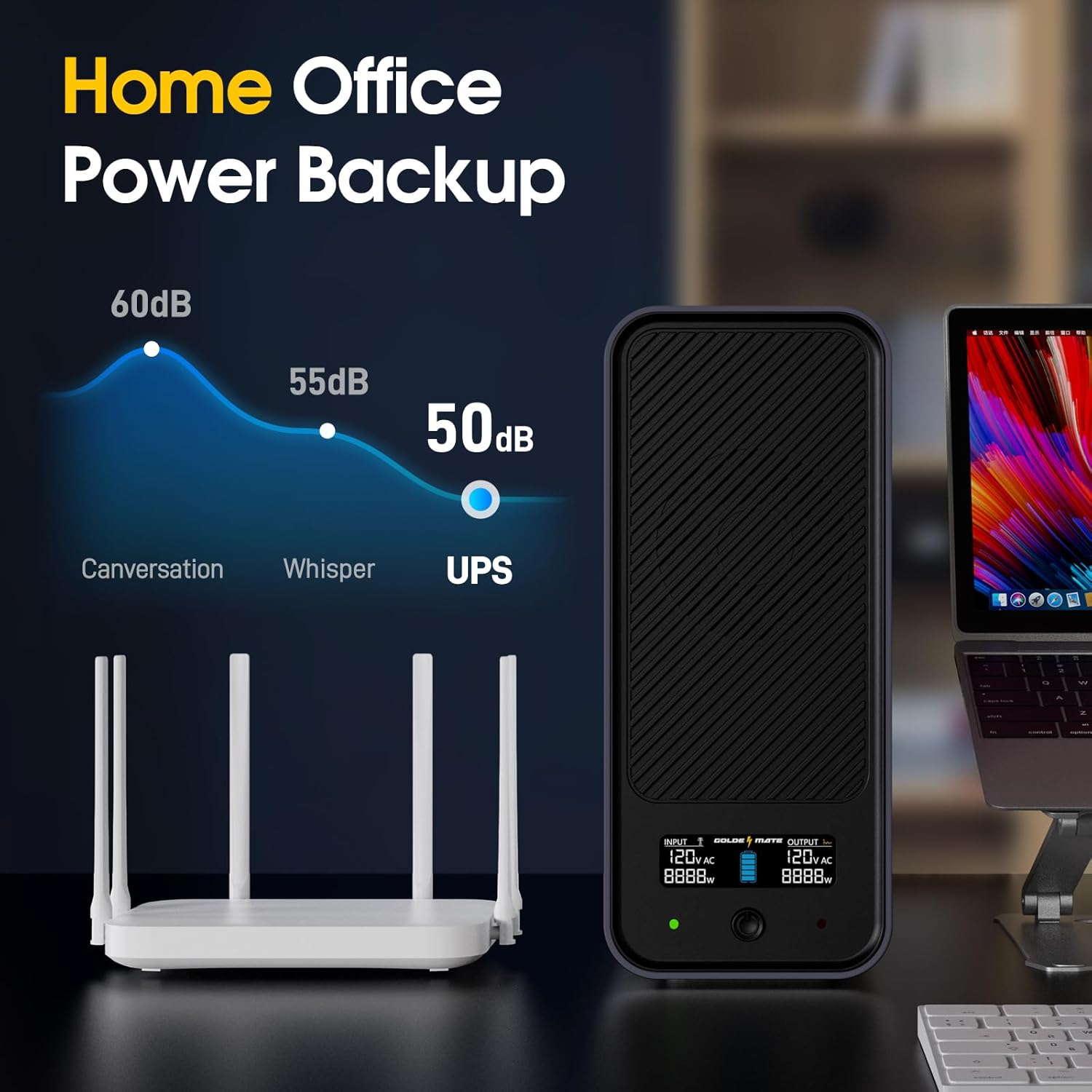
So far, I'm impressed with the Goldenmate 1000VA/600W UPS. I'm using it with a mini PC that runs routing software, a cable modem, and a Wifi AP. This setup only uses around 20-40 watts, so the 150 Wh battery pack should keep it running for several hours. It seems to have a built-in fan, but my use must be light enough to avoid the threshold where it switches on. At 50 dB, it would certainly be obvious.The unit has 8 AC outlets on the back to provide power to your devices. It gets power from a standard IEC inlet. It ships with a power cable you can use, but you can just as easily use one of your own. There are no USB power ports, unfortunately. The screen in the front is bright and includes the battery charge level, watts in, and watts out.The product description mentions the UPS complies with various UL standards, which is nice. However, there are no UL badges printed anywhere on the product itself. I also haven't taken the product apart to see how it's wired up, and I lack the skills and equipment to verify compliance. From the outside, anyway, the product seems quite clean.While Goldenmate doesn't seem to provide any software to control the UPS, the universal NUT package can access it to get basic power status and tell your systems when to power down cleanly on Linux and other systems. The available metrics are pretty basic, and unfortunately, I don't see a way to trigger a battery test. A console screenshot with ouptut from NUT's upsc utility is included with the review to get an idea of what values are available to the system. It works with the "iDowell" HID driver.Overall, the Goldenmate is a nice no-frills UPS with a generous battery capacity. If you don't need a lot of features, this unit is definitely worth a look. I will update this review in the future if any issues arise dealing with power outages.
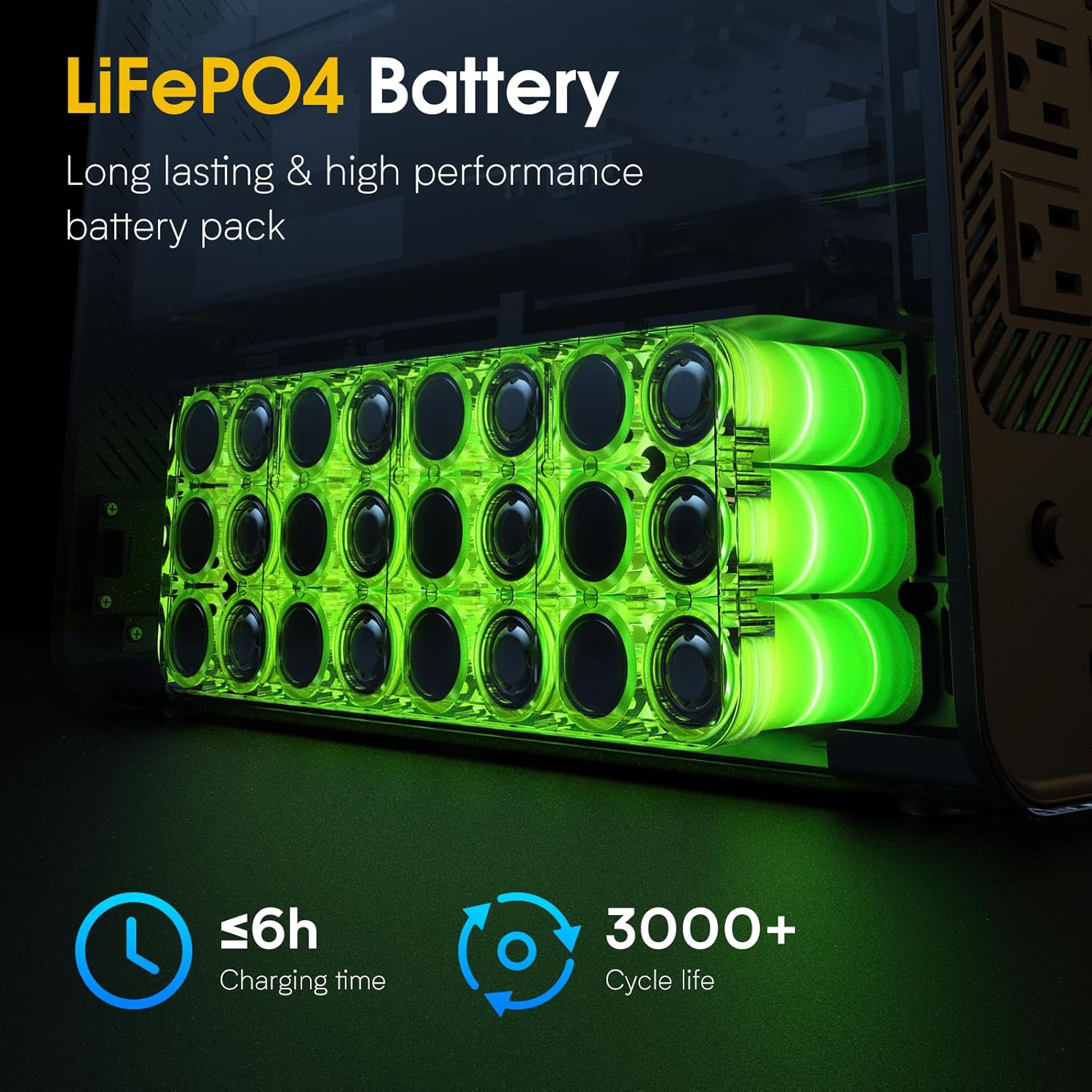
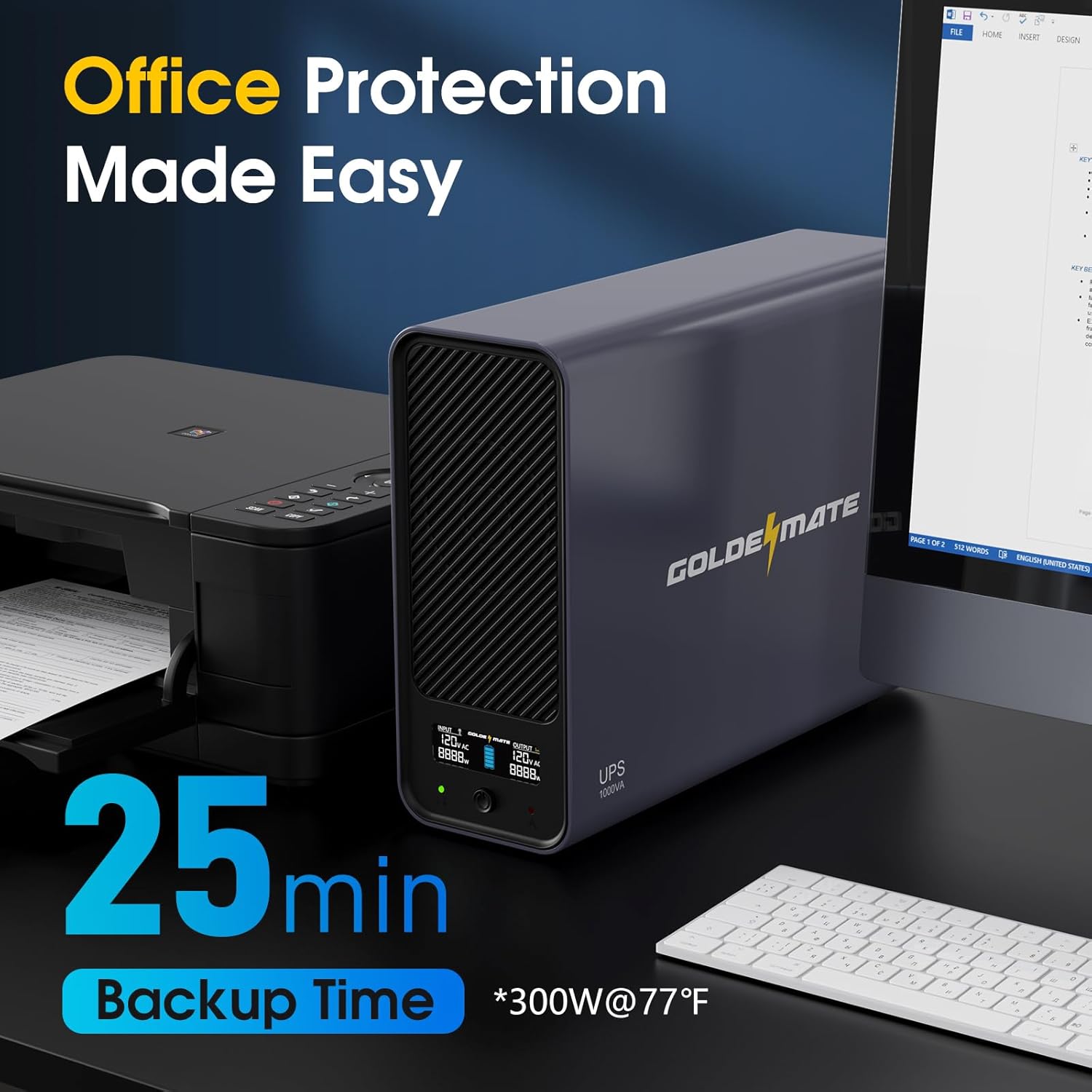
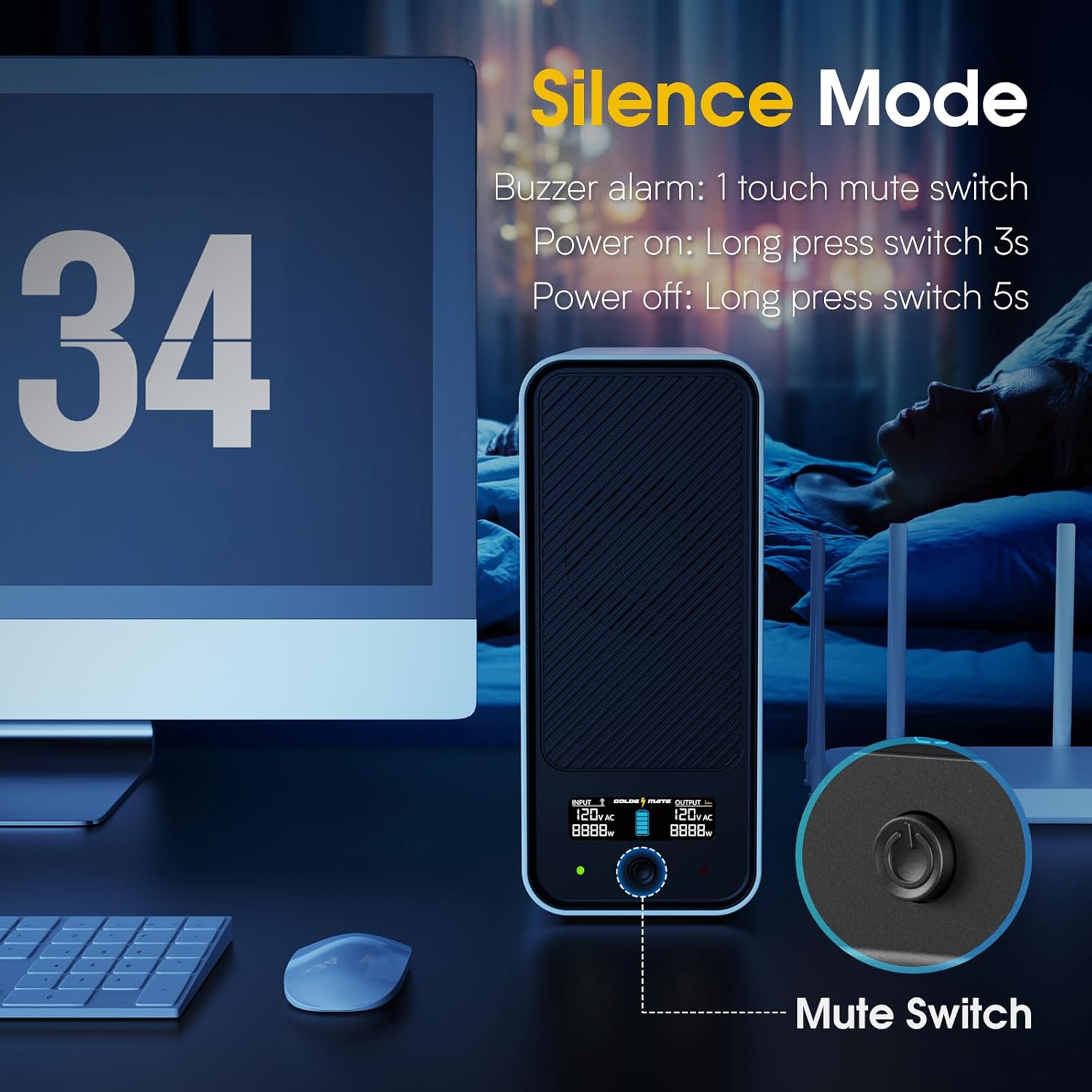
Contents: UPS; power cord; USB cable; and manual.The LCD screen is bright and easy to read. It displays input VAC and output VAC along with Watts drawn on each end. Icons show if the input main has power or is on battery. Finally, it shows the battery charge with five bars. It's easy to see what's going on. A green and red light, along with an audible beep, provides state indicators. Nine state scenarios are outlined in a table in the manual. The LCD also shows fault codes that are referenced in the manual. When there is power and it's working the screen goes to sleep and only the green light is on. Thankfully, that green light won't light up a dark room but is bright enough to see at a glance. A single button turns the unit on, turns it off, turns on the LCD temporarily, and silences the alarm.Rubber pads are on the bottom, so it's meant to be a tower. The case is a nice flat white (or black) and it looks nice. Cooling slots are on the front. I cannot hear the fan.There are eight NEMA 5-15P outlets on the back, two columns of four. They are all battery backup enabled. They are close together so an outlet will be lost if an AC brick plug is necessary. That's ok because eight outlets are plenty for one PC, a modem, and a router.Battery run time is good. They specify 25 minutes at 300 Watts draw @ 77 F degrees. That's good enough to hear the alarm, close your work, and gracefully shut down. I have not overloaded it on purpose. I drew around 80-100 Watts on the battery for 85 minutes. The top was barely warm to the touch. Without software, I am not sure what the USB cable connected to my Windows 11 desktop did. It did not detect the type of UPS or the battery level, so it did not automatically shut down the desktop. Battery-related settings in the power plan had no effect. HID UPS was my driver. That's ok because when I am on the computer I can save my work and shutdown. If I am not on the computer I won't have anything to lose. I did not test surge protection or a pure sinewave output because I didn't have the equipment. What I can attest to is switching from main power to battery had no effect on my devices and battery run time was great. What makes this worth it is not having to buy lead-acid batteries every other year because these are LiFePO4. I regularly find out I need a new battery when it matters the most, during an outage. That said, there is no obvious way to open it as it should be maintenance-free.Considering the price is equal to the big-name 1000VA lead acid UPS units I highly recommend this Goldenmate LiFePO4 UPS. In the long run, I would have spent enough on replacement batteries to buy another one of these.
Works for what I was looking for but doesn't include a lot of features as my old one. It has 8 ports and was able to plug in 2 mini pcs, 2 nas systems, main router, and fan to run air across everything to keep it cool.The power has gone out a couple of times since install and it kept my systems running without error. The beeping when the power went out was loud enough to get your attention, but loud enough to be annoying.The one feature that I was excited about was the usb, so that I could connect my nas and it would show when the power was out and that the ups was activated. The only issue that I am having, is that my nas is reporting power outage when is still operating, so I am not sure if it is the nas issue or the ups issue. Regardless, it works for my needs.
Works for what I was looking for but doesn't include a lot of features as my old one. It has 8 ports and was able to plug in 2 mini pcs, 2 nas systems, main router, and fan to run air across everything to keep it cool.The power has gone out a couple of times since install and it kept my systems running without error. The beeping when the power went out was loud enough to get your attention, but loud enough to be annoying.The one feature that I was excited about was the usb, so that I could connect my nas and it would show when the power was out and that the ups was activated. The only issue that I am having, is that my nas is reporting power outage when is still operating, so I am not sure if it is the nas issue or the ups issue. Regardless, it works for my needs.
Bought on Nov 27 2025. This is newer version with the usb communication port that sends messages to NAS when power outages occur. I tested it with my two QNAP NAS (TS 464, TS 459 pro II) both recognized the UPS and shut off properly when I created power outage scenarios. (Turn off the server 1 mins after the outage). It’s way easier to deal with compared to the older lead battery UPS. Now my NAS, internet, and tv are powered behind this product. Not sure why these heavy lead battery models are still on the market for non-enterprise user honestly. This is initial review. I will give more updates later on.
Bought on Nov 27 2025. This is newer version with the usb communication port that sends messages to NAS when power outages occur. I tested it with my two QNAP NAS (TS 464, TS 459 pro II) both recognized the UPS and shut off properly when I created power outage scenarios. (Turn off the server 1 mins after the outage). It’s way easier to deal with compared to the older lead battery UPS. Now my NAS, internet, and tv are powered behind this product. Not sure why these heavy lead battery models are still on the market for non-enterprise user honestly. This is initial review. I will give more updates later on.
Awsome. Exactly what i needed to protect my laptop snd monitors.
Overall this is a decent, no frills UPS, it does its job well. It was quite easy to set up and handled our needs with ease. The capacity is a little less than I would want but most power outages are resolved quick enough for us that it should be ok in most situations. Be sure you give the instructions a quick read before setting it up to avoid any potential annoyances.
I plugged 3 power strips that power 2 desktops each of which displays 3 monitors, on top of connecting to the router as well on this UPS unit. This entire setup is for day trading which cannot afford any sudden shutdown of electricity while a trade is alive. The highest draw is 370W with everything running. I tested it by pulling its cord from the wall outlet and everything kept running without a hitch. This is exactly what I needed it to do. Where it shys from a perfect solution has to do with its user interface which is rather primitive. I find the button function confusing and the fact that the LCD screen with current status keeps turning off a bit irritating. It took me a few tries to figure out that the power button needed to be pressed and held down for a few seconds to turn on and off. Otherwise it just displays power in/out and wattage used which is not really useful information. In the end it serves as an emergency power supply that allows me to avoid sudden shutdown which could be very costly. For that it earns a 4 star rating.
Overall this is a decent, no frills UPS, it does its job well. It was quite easy to set up and handled our needs with ease. The capacity is a little less than I would want but most power outages are resolved quick enough for us that it should be ok in most situations. Be sure you give the instructions a quick read before setting it up to avoid any potential annoyances.
I plugged 3 power strips that power 2 desktops each of which displays 3 monitors, on top of connecting to the router as well on this UPS unit. This entire setup is for day trading which cannot afford any sudden shutdown of electricity while a trade is alive. The highest draw is 370W with everything running. I tested it by pulling its cord from the wall outlet and everything kept running without a hitch. This is exactly what I needed it to do. Where it shys from a perfect solution has to do with its user interface which is rather primitive. I find the button function confusing and the fact that the LCD screen with current status keeps turning off a bit irritating. It took me a few tries to figure out that the power button needed to be pressed and held down for a few seconds to turn on and off. Otherwise it just displays power in/out and wattage used which is not really useful information. In the end it serves as an emergency power supply that allows me to avoid sudden shutdown which could be very costly. For that it earns a 4 star rating.
product packaged securely, timely received, as advertised
Our support team can help with product selection, compatibility, setup, and troubleshooting.
Shipping Information
Find delivery estimates and shipping details for your order.
Customer Support
Get product selection, setup, and troubleshooting support.
FAQs
Review common compatibility, installation, and application questions.
Contact Us
Contact our team when you need help matching a power solution to your equipment.