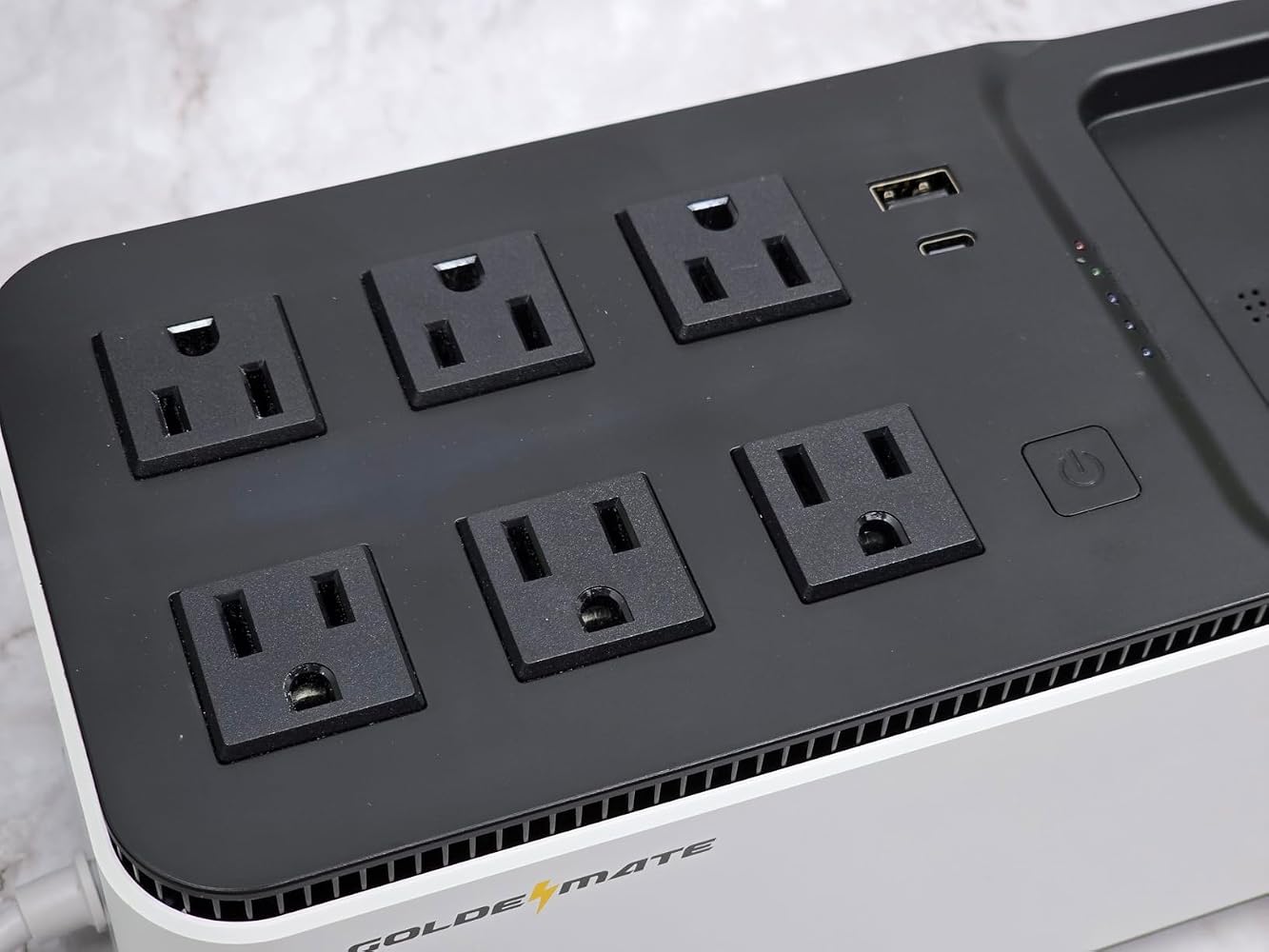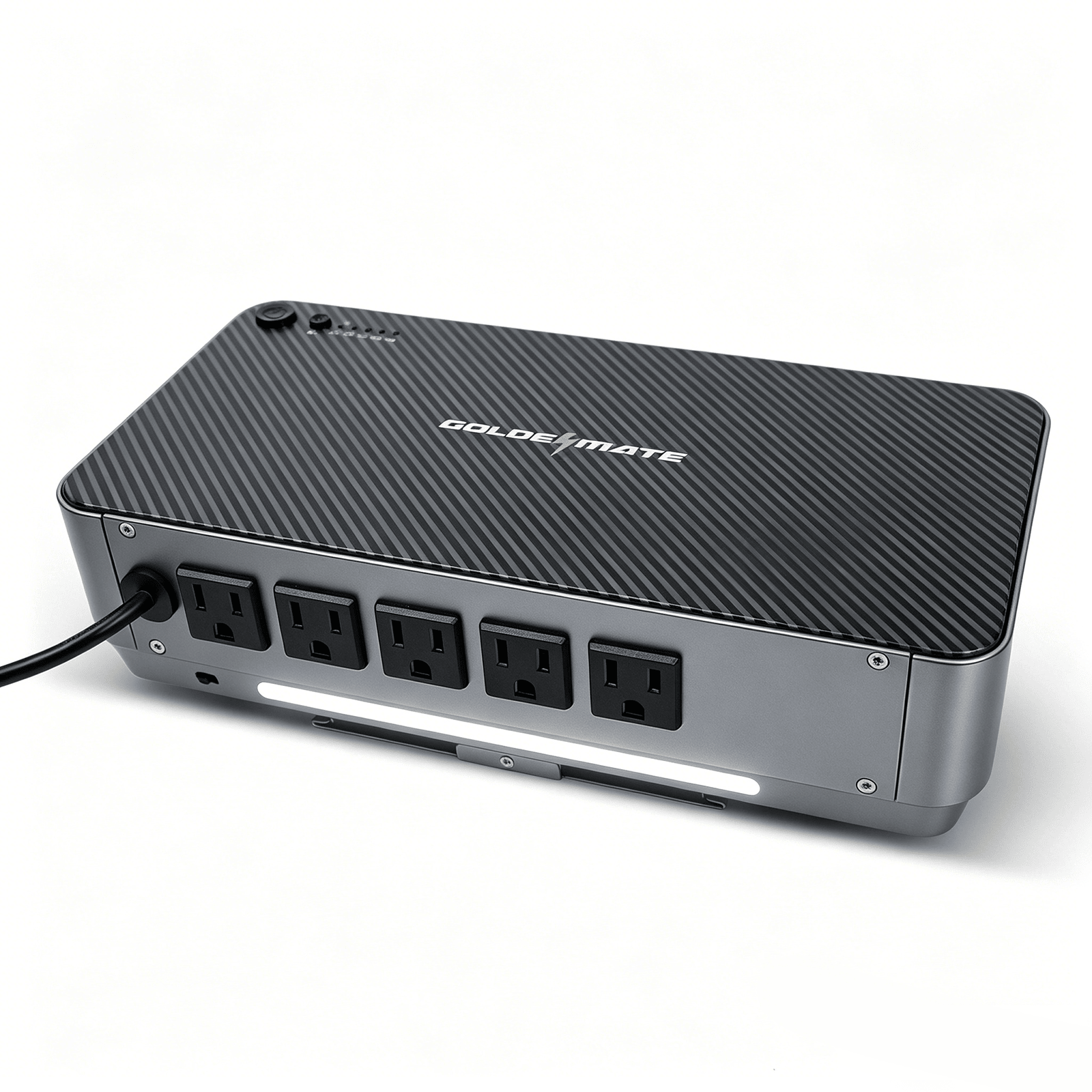
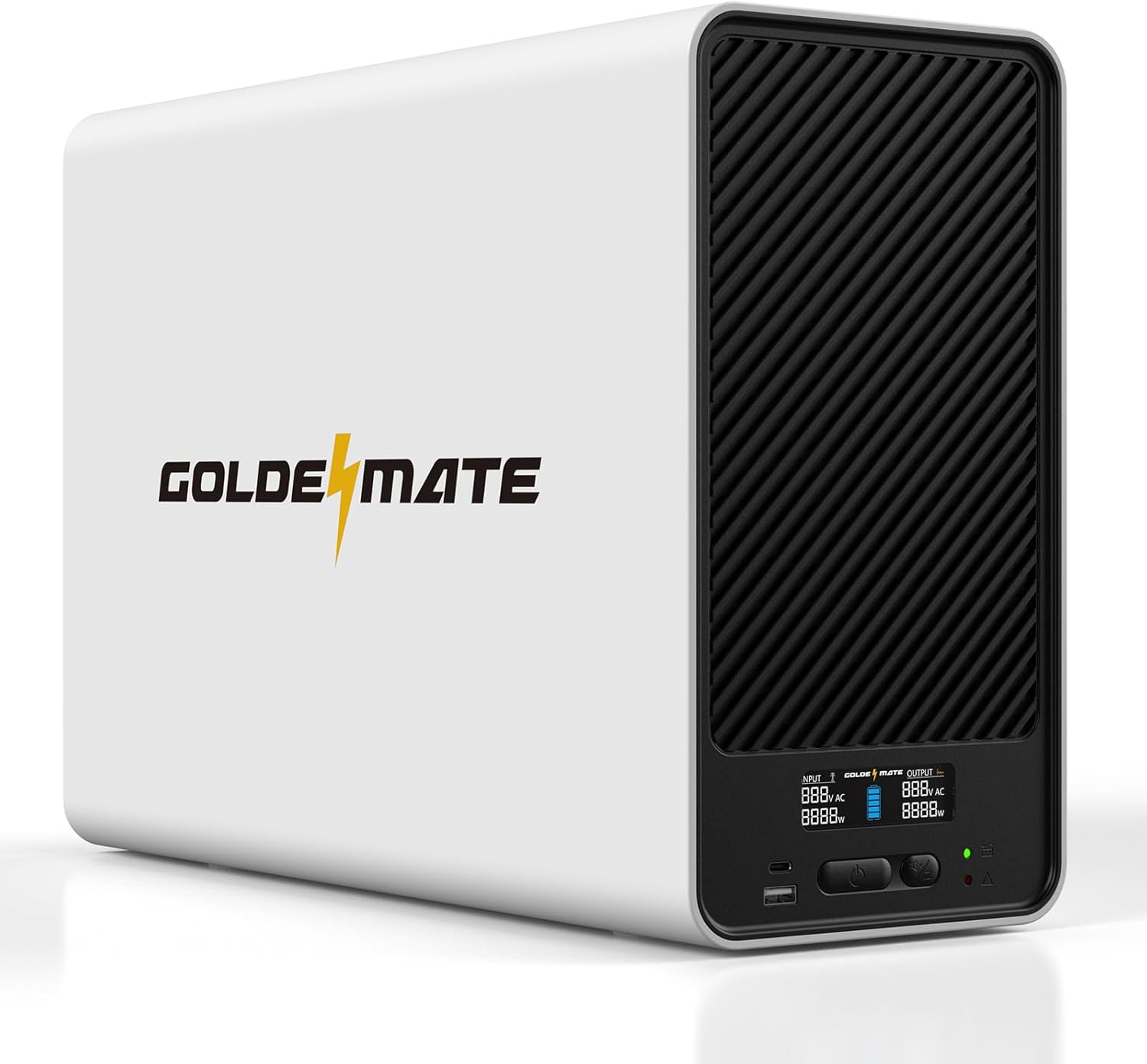
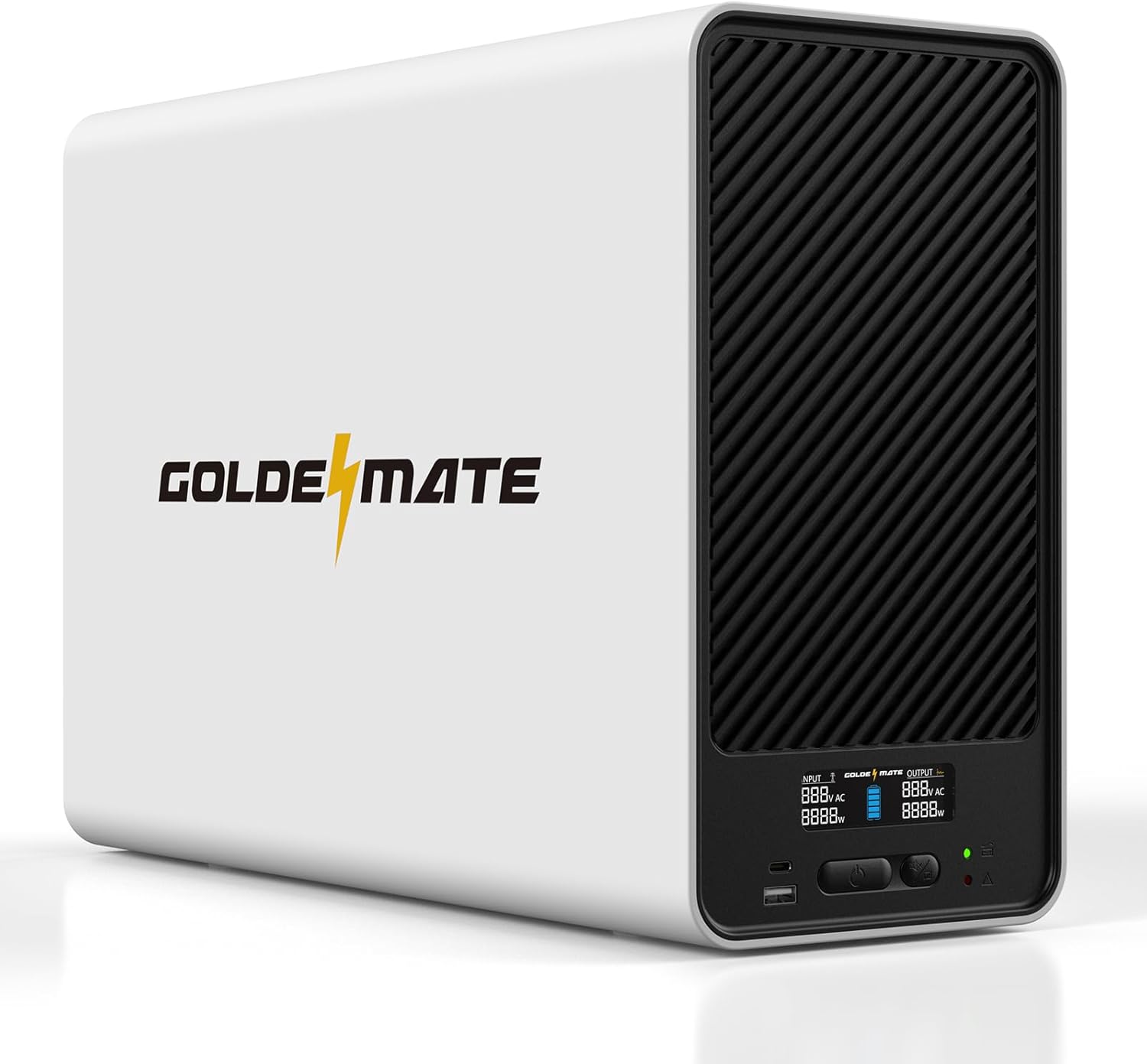
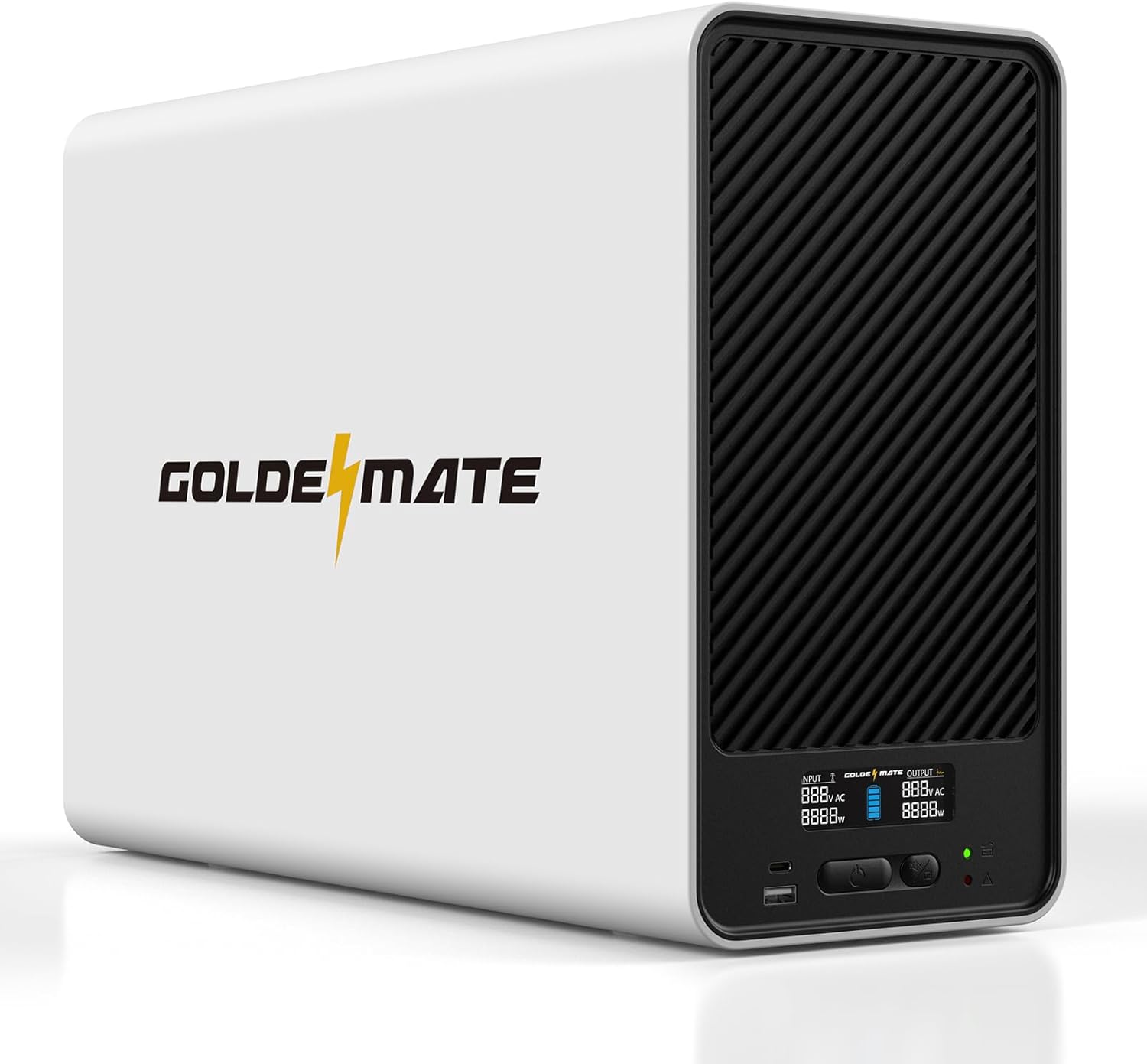
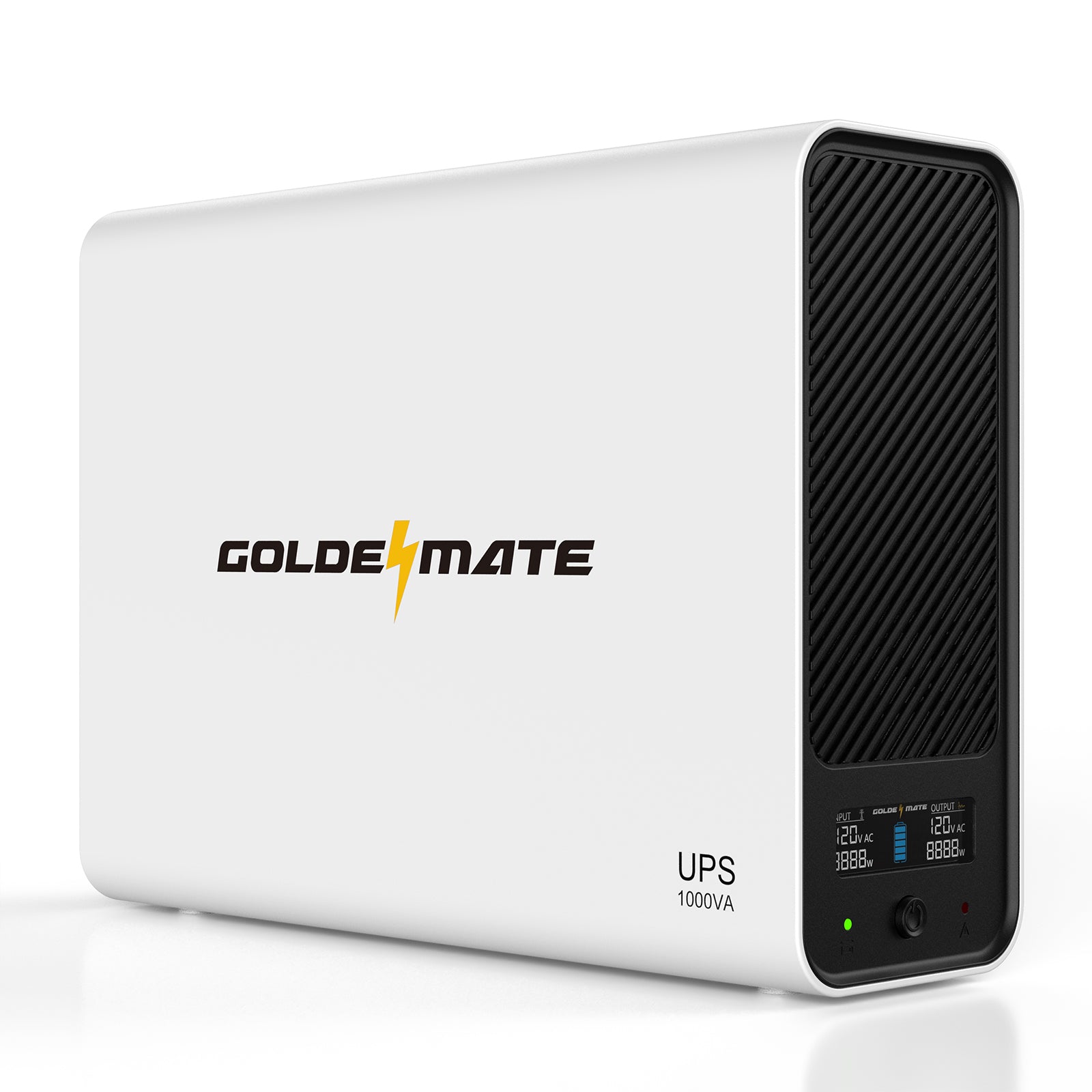
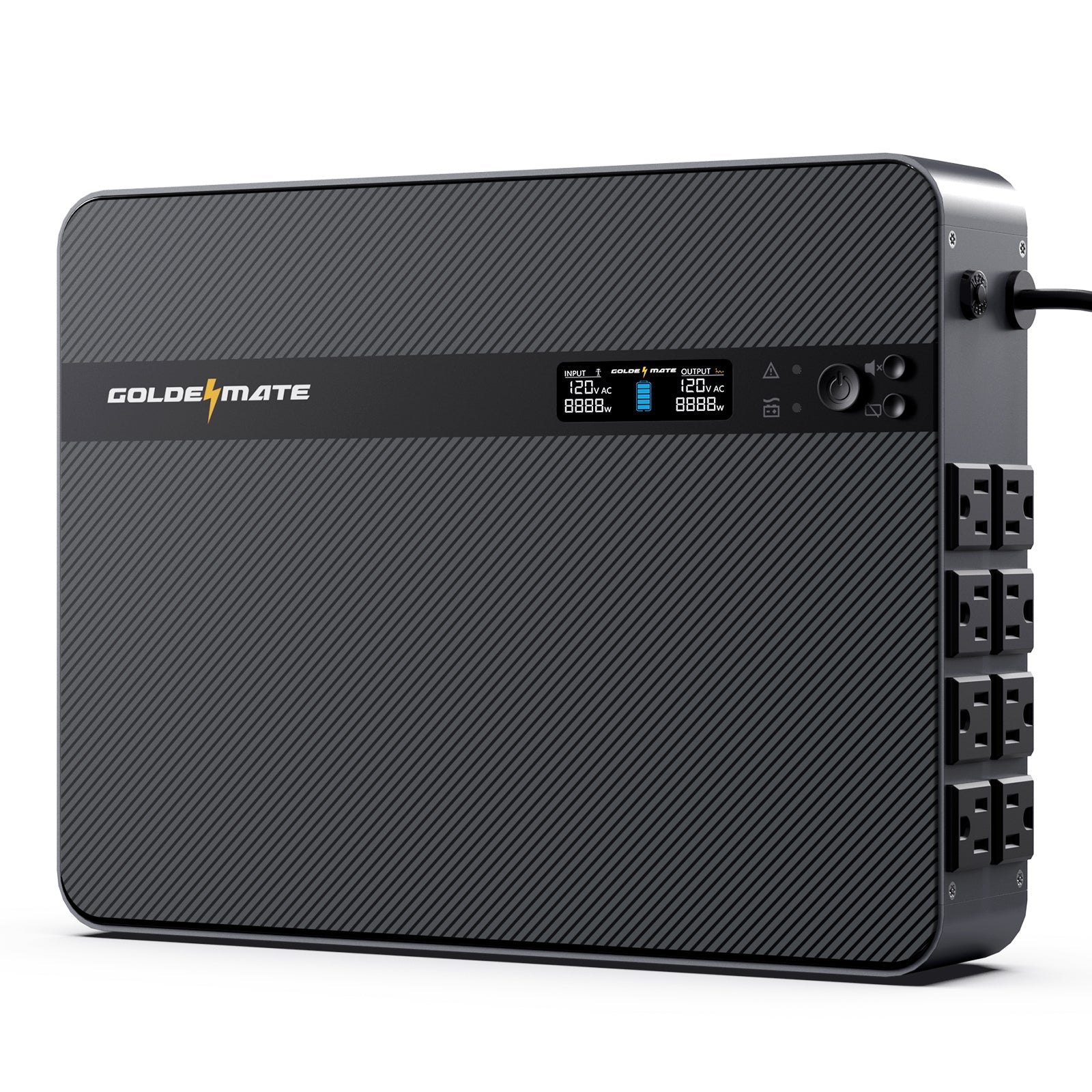

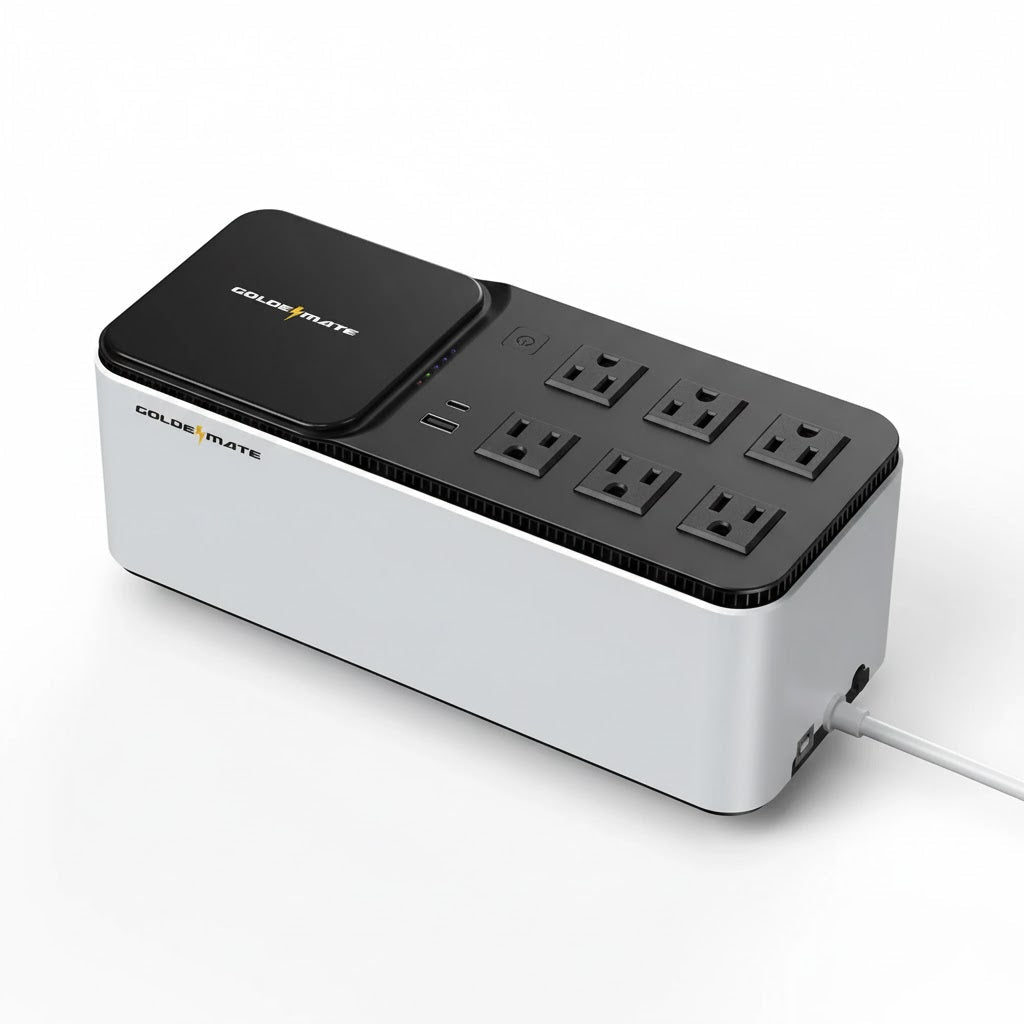
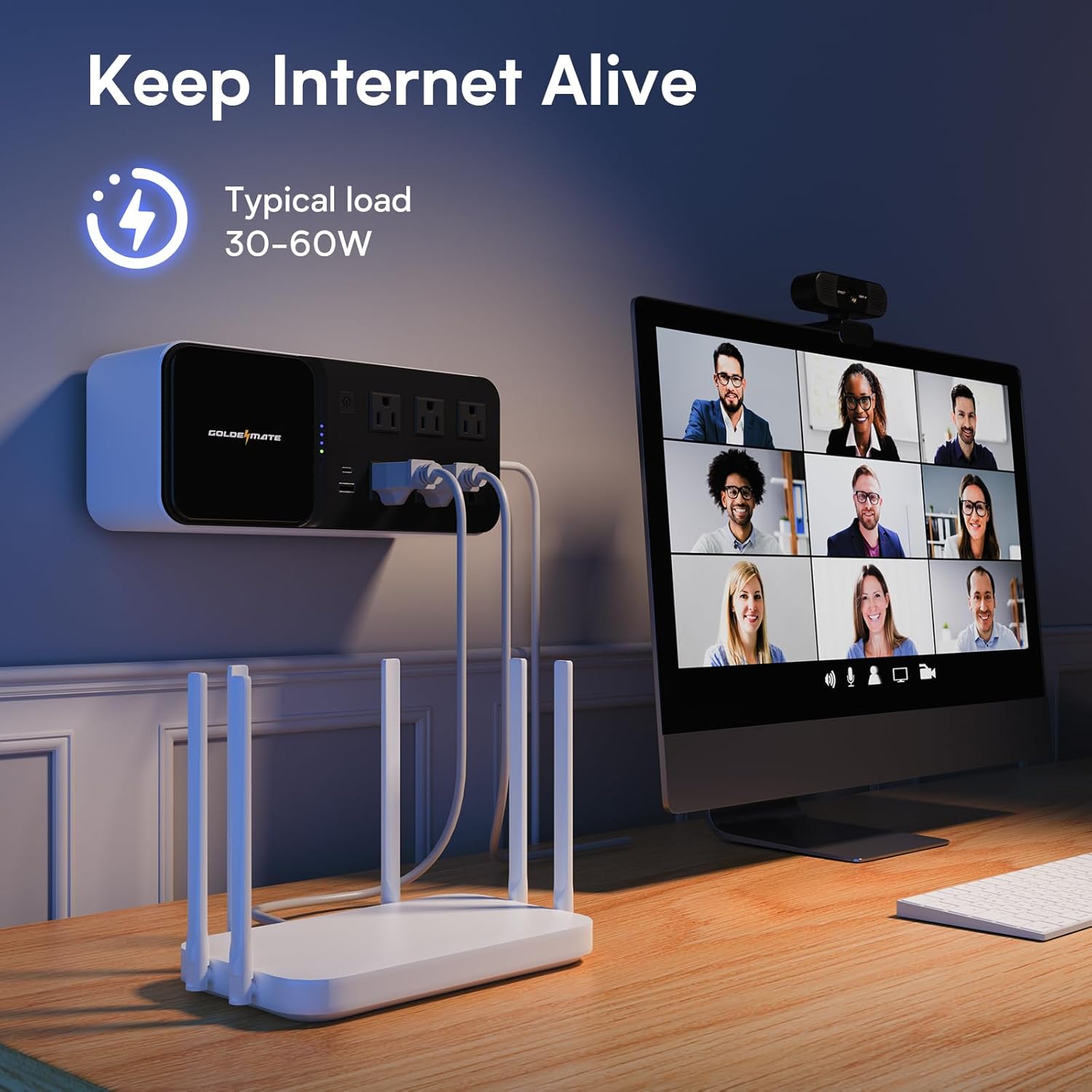
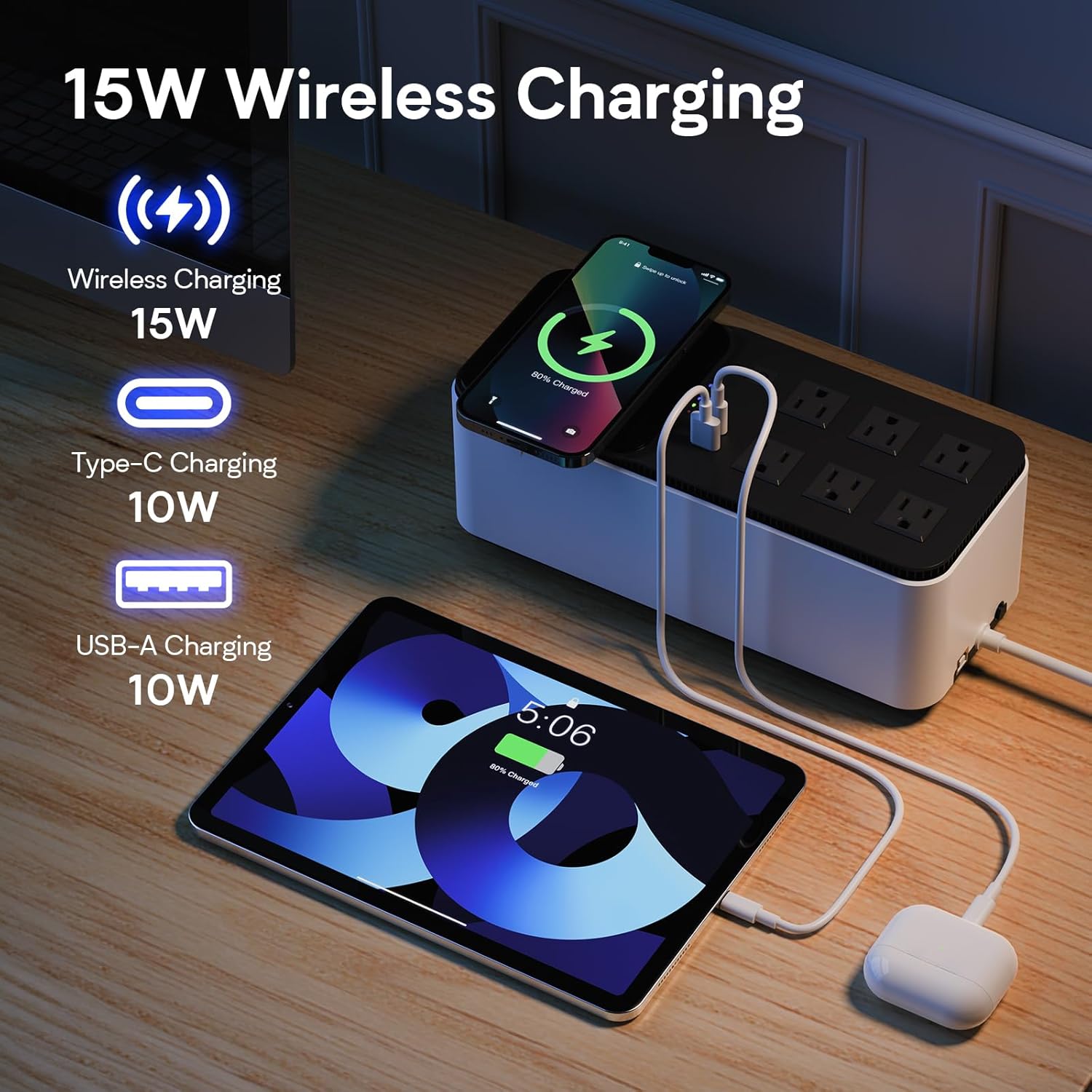
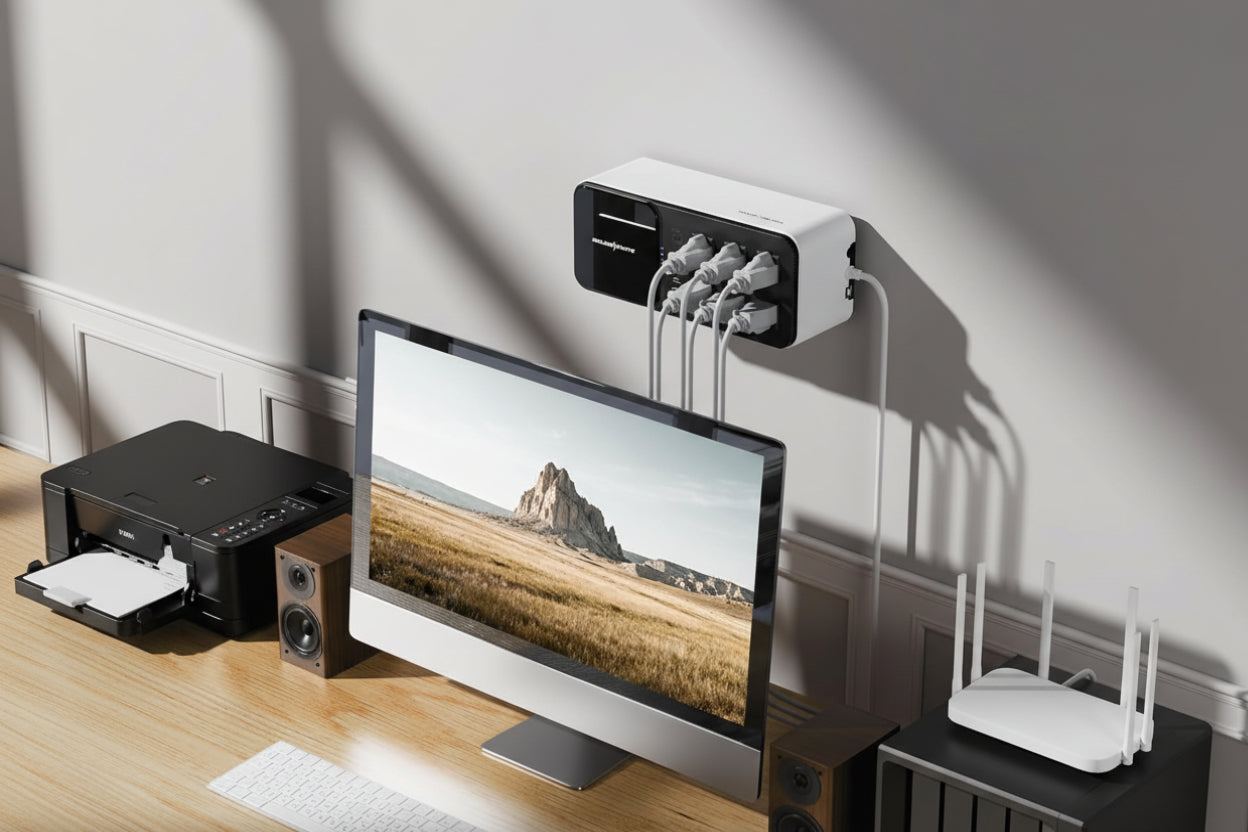
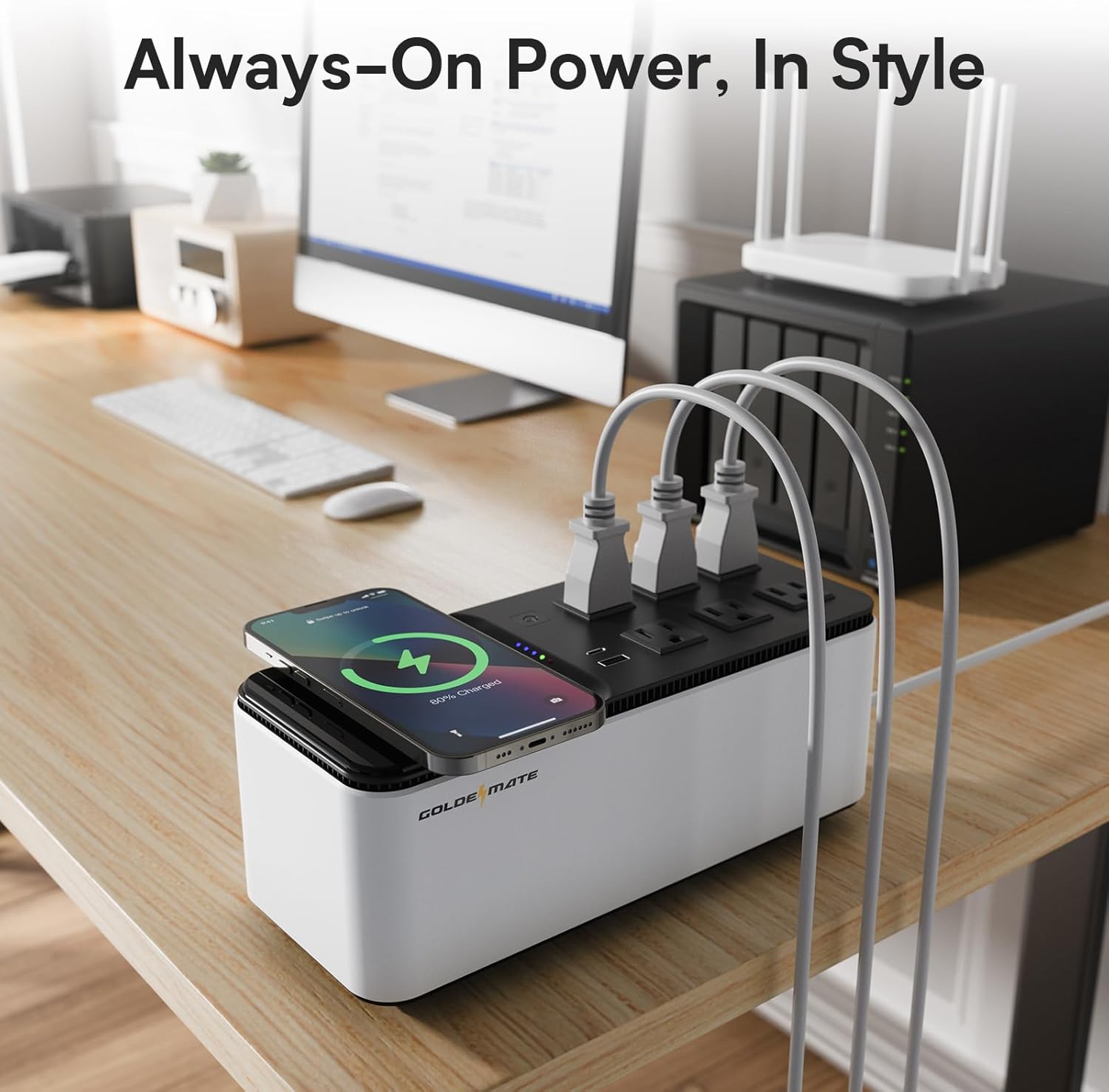
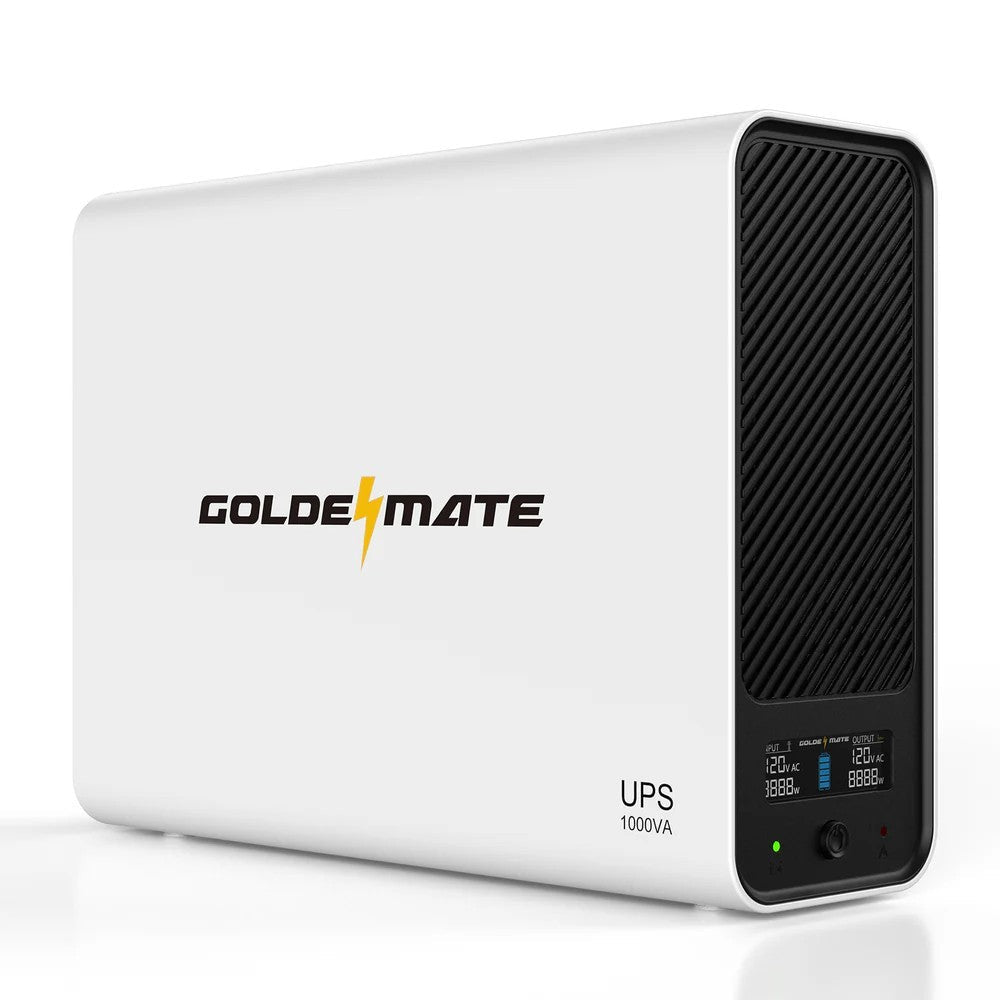
Built for compact workspaces, this desktop UPS organizes backup and surge-protected power through six NEMA 5-15 outlets plus USB-A 5V/2A charging. Keep computers, displays, and small network devices protected without adding bulky equipment.

In stock! Ships within 1-2 business days.
30-day hassle-free returns.
2-year limited warranty.
Free standard shipping.
Pairs well with
600VA/360W LiFePO4 UPS 6 Outlets (76.8Wh)
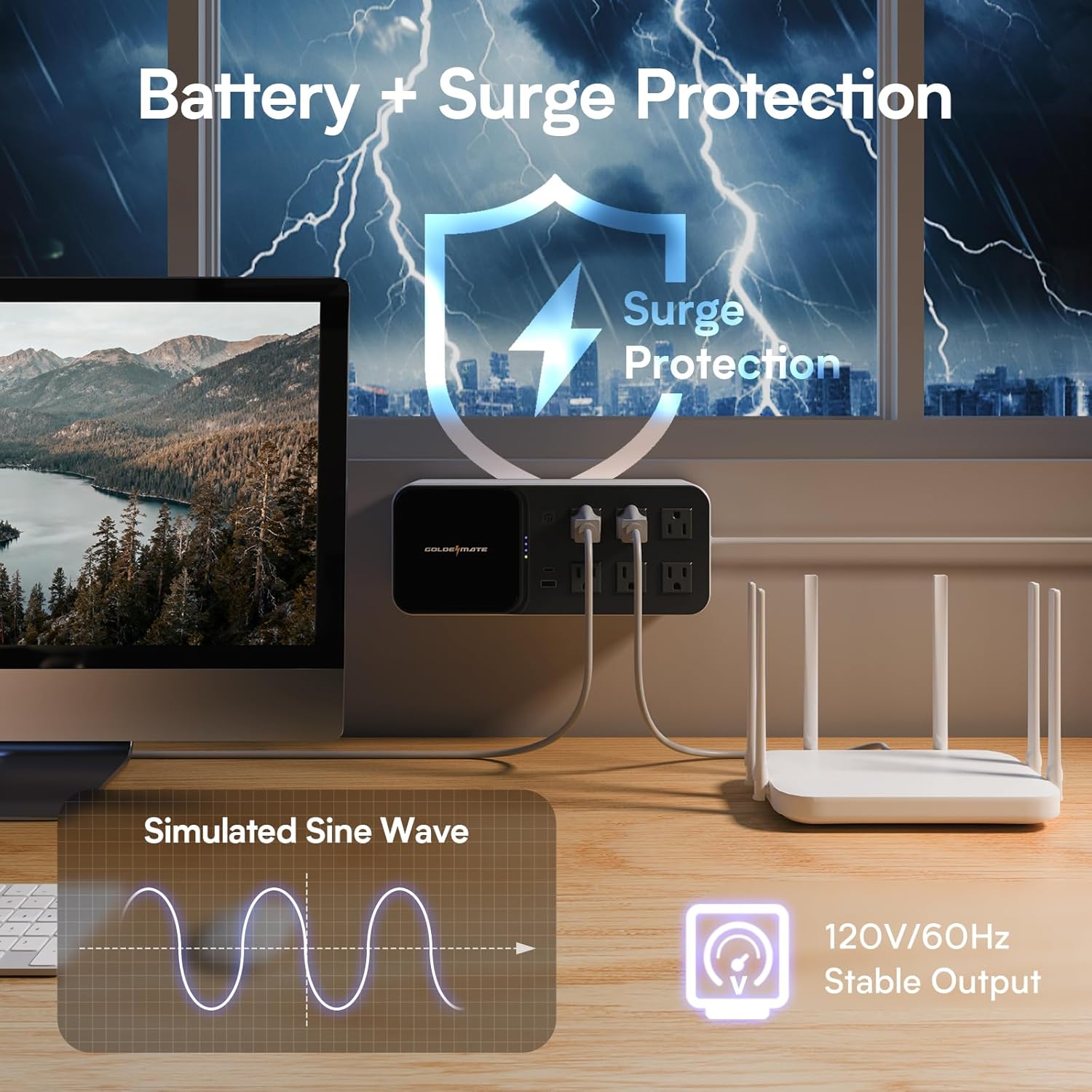
Battery + Surge Protection

Desktop-ready backup

Keep Internet Alive


Designed for 0–40 °C operation and 20–90% RH non-condensing humidity.
I've had a both APC and Cyberpower lead-acid UPS systems for my electronics. Unfortunately, the lead-acid cells go bad after about 2 years and the UPS seems to fail soon after, even with battery replacement. They also keep going up in price for some reason, so I recently replaced my failing Cyberpower UPS with an EcoFlow River 3+ with LiFePO4 cells. While my PC's draw 100+ watts, I figured I could also use a lighter-weight UPS to handle the 15+ watts for the modem and routers, enter the GoldenMate reviewed here.Pro:- battery kicks in quickly when the power stops, and reverts back to wall power once AC is available again, the core functionality works as it should. I ran a laptop drawing between 20-40 watts for 30 minutes and used approx 20% of battery judging by the LEDs. It should keep my router going for several hours without a problem.- LiFePO4 batteries should have significantly lengthened lifetime from lead-acid and conventional lithium-ion. On the other hand, if these are left at 100% charge continuously they will have reduced lifespan.- AC outlets, USB-A and USB-C power, and wireless charger built in-it's odd to put a wireless charger which is inefficient by design onto a UPS which tries to optimize battery life, but it is removable and can even be used on it's own via USB supply.Con:- no display except a few colored LEDs. No way to tell input/output voltages, how much the UPS is loaded, estimated runtime, or anything else you would want to know. A single numeric display on this would have been so helpful.- the single button does too much. It turns the UPS on/off, silences the alarm, and also turns the wireless charger and USB ports on/off. During a power failure, do you really want to touch the power button to silence the alarm?- Similarly, the 5 LEDs are overloaded indicating status. And there's nothing to indicate wireless charger/USB port status. An extra LED to indicate whether the wireless charger and USB ports are powered would be extremely helpful.- USB-C is 10 watts max which is pretty anemic, it would be more helpful if this were a PD port for 20+ watts.- absolutely no configuration possible. That's ok, but as a reference point, the EcoFlow allows me to set the charge state to 80% of full which will extend battery life.- no UL certification which would give confidence in about the safety of the supply.Neutral:- the pricepoint is that of a low end UPS. It's more than a similarly capable power station, but UPS tend to run higher for some reason.- it's impossible to know what's going on with the BMS (battery management system) on this UPS. But if it's low-end, then the advertised 10 year lifespan is highly unlikely. Still, the 2 year lifespan of APC and Cyberpower was getting ridiculous.- build quality seems fine, this doesn't guarantee anything, but if it looked sketchy I wouldn't trust it to be plugged in.- with batteries fully charged and nothing connected to the outlets/charger/USB the unit drew 7 watts from the wall when the UPS was powered off (maintenance charge) and 9 watts when UPS was powered on. In my 68 degree house, the case was 99 degrees near the power switch. When powering a 30w load the case went up to 110 degrees.Overall, this LiFePO4 UPS meets basics needs and should last longer than lead-acid counterparts from APC or Cyberpower. It is about 1/2 the price of the River 3+ for 1/3 of the capacity. But it seems a reasonable contender in this space.
I was immediately drawn to this GOLDENMATE UPS because it steps away from the dated lead-acid technology and embraces the future with a Lithium Iron Phosphate, or LiFePO4, battery. This isn't just a minor upgrade; it’s a complete game-changer for a home or small office UPS. The 76.8Wh LiFePO4 battery is the heart of the unit, and what it brings to the table is incredible longevity—we're talking an expected 10-year service life and over 5,000 charge cycles. This practically eliminates the constant dread of battery replacement that plagues older units, drastically lowering the total cost of ownership and making it a truly set-it-and-forget-it device.The 600VA/360W rating is perfect for safeguarding my essential networking gear and a light-duty workstation. When the power inevitably flickers or drops out, the instantaneous switchover to battery power is so seamless that my modem, router, and monitor don’t even blink. This is critical for maintaining an internet connection during a brief outage or giving me ample time to properly shut down a computer during a prolonged one. The unit handles power fluctuations with grace, filtering out the dirty power that can prematurely age sensitive electronics, which is exactly the peace of mind I look for in a backup system.The physical design is one of my favorite aspects; it's impressively compact and lightweight, making it a breeze to tuck away neatly on a desk or even mount on a wall. It’s a clean aesthetic that doesn't scream "I'm a chunky battery box," a welcome change from the typical industrial look of most UPS systems. The six outlets are cleverly arranged to accommodate a mix of standard plugs and bulkier power bricks without completely obstructing adjacent ports, which I find to be a persistent frustration on other models.They really thought about modern convenience with the charging options. Integrating two USB charger ports—a Type-A and a Type-C—is genius for keeping smaller personal devices charged, especially if the power is out long enough to drain my phone. But the real star is the 15W wireless charging pad right on the top! Dropping my phone onto the unit for a quick charge during a power event is incredibly practical and a fun little bonus feature that I find myself using even when the power is perfectly stable. It's a testament to the blend of robust power protection and everyday usability that this unit delivers.
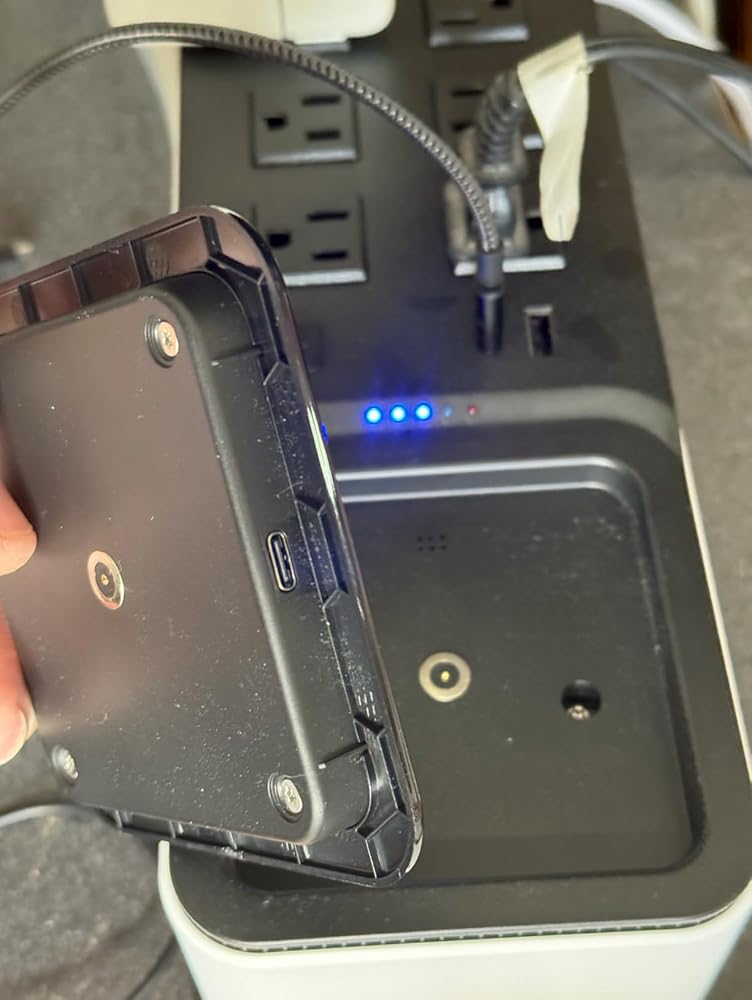
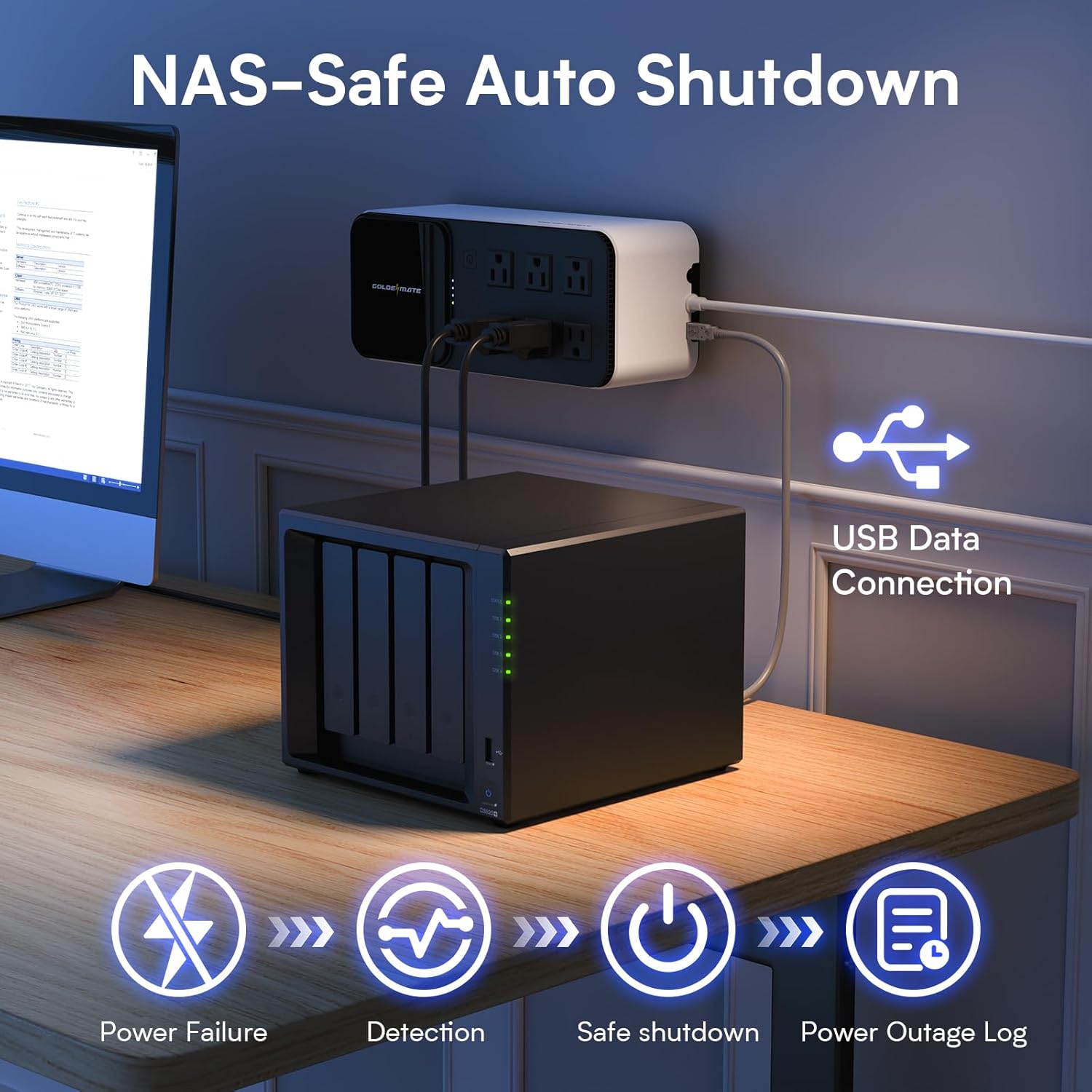
I’m new to UPS for home office use, though I’m little familiar with their use from my time at university. I just got a new Lenovo ThinkStation for a home business and want to ensure that the occasional power outages here in California don’t cause a loss of my important data, and it seems like this UPS will manage that for me.I like the compact nature of this UPS, and the fact that it doesn’t weigh a ton like the old ones I remember. For now, I’ll place it behind my tower, but the fact that it’s light weight and comes it the option to mount it has me considering placing it on the wall. I like the options of the USB-A and -C ports for charging devices, but I’m not quite sold on the wireless charging plate. The charging plate is detachable and, with a USB cable, can be used away from the UPS. By the way, that grey pad in the shape of the plate is to be placed underneath the charging plate if you do choose to detach it and run it though a USB cable; it insulates and prevents accidental shorts. Wireless charging is just too inefficient and often generates the sort of heat that can be damaging to the batteries in mobile devices. Rather than the charging plate, I would have preferred a basic screen to show UPS status (battery capacity, etc.) and, along with some buttons, provide a menu with which I could make some basic adjustments. For instance, I’d like the option to reduce the maximum charge to 80%, which is the setting I opt for (if allowed) for all of my devices. Maintaining a 100% charge indefinitely is well understood to be bad for battery life, so why can’t I prolong the life of the UPS battery with this option? I do like the communication port that can be used to configure Windows to shutdown safely in the event of a power outage. This just makes practical sense, since I might not be around when the power goes out.Overall, I like this UPS. Although I’m a novice and really don’t know what I need or want yet, I can’t help feeling that the ability to customize will (such a setting the charge %) and lack of a display will eventually cause me to quickly outgrow this device. I doubt the charging plate will ever see any use, though I may be the exception---though I suspect that recent advancements in wireless charging (MagSafe/Qi2) will have many users unimpressed by this offering. Still, if this UPS prevents me from losing data during a power outage, then it’s effectively done its job and I would be satisfied. In a couple of years, I can decide if I really need a display and customization abilities, but for now this seems pretty good and the price is reasonable.
This is my first LiFePO based UPS, I've been using lead acid UPS units for years. This unit is surprisingly lightweight in the realm of UPS's, most are boat anchors, so it was a nice surprise to lift this unit out of the box.I really like that it's based on new battery technology that should last a VERY long time compared to the old lead-acid batteries, and you can drain it all the way to zero and not damage the batteries.It's nice that it's got built in USB ports for an emergency, I don't see using those on a daily basis in my situation, but I'm sure others would. The Qi charging pad is an interesting touch, and as others have said it's a little confusing in the instructions on how to enable the extra charging features (quick button press), and the lights are a little confusing.Unit has plenty of power to keep my network and laptop/monitors going through a power outage, I work from home, so it's essential that I keep everything up, even in an outage, so it should function great in that respect.I would have loved to have seen this unit at a little bit less money, but for using the newer battery technology, and lasting 10 years, it's actually a good deal when you think about having to replace batteries in the other units that still use the older battery technology.
I was immediately drawn to this GOLDENMATE UPS because it steps away from the dated lead-acid technology and embraces the future with a Lithium Iron Phosphate, or LiFePO4, battery. This isn't just a minor upgrade; it’s a complete game-changer for a home or small office UPS. The 76.8Wh LiFePO4 battery is the heart of the unit, and what it brings to the table is incredible longevity—we're talking an expected 10-year service life and over 5,000 charge cycles. This practically eliminates the constant dread of battery replacement that plagues older units, drastically lowering the total cost of ownership and making it a truly set-it-and-forget-it device.The 600VA/360W rating is perfect for safeguarding my essential networking gear and a light-duty workstation. When the power inevitably flickers or drops out, the instantaneous switchover to battery power is so seamless that my modem, router, and monitor don’t even blink. This is critical for maintaining an internet connection during a brief outage or giving me ample time to properly shut down a computer during a prolonged one. The unit handles power fluctuations with grace, filtering out the dirty power that can prematurely age sensitive electronics, which is exactly the peace of mind I look for in a backup system.The physical design is one of my favorite aspects; it's impressively compact and lightweight, making it a breeze to tuck away neatly on a desk or even mount on a wall. It’s a clean aesthetic that doesn't scream "I'm a chunky battery box," a welcome change from the typical industrial look of most UPS systems. The six outlets are cleverly arranged to accommodate a mix of standard plugs and bulkier power bricks without completely obstructing adjacent ports, which I find to be a persistent frustration on other models.They really thought about modern convenience with the charging options. Integrating two USB charger ports—a Type-A and a Type-C—is genius for keeping smaller personal devices charged, especially if the power is out long enough to drain my phone. But the real star is the 15W wireless charging pad right on the top! Dropping my phone onto the unit for a quick charge during a power event is incredibly practical and a fun little bonus feature that I find myself using even when the power is perfectly stable. It's a testament to the blend of robust power protection and everyday usability that this unit delivers.
I’m new to UPS for home office use, though I’m little familiar with their use from my time at university. I just got a new Lenovo ThinkStation for a home business and want to ensure that the occasional power outages here in California don’t cause a loss of my important data, and it seems like this UPS will manage that for me.I like the compact nature of this UPS, and the fact that it doesn’t weigh a ton like the old ones I remember. For now, I’ll place it behind my tower, but the fact that it’s light weight and comes it the option to mount it has me considering placing it on the wall. I like the options of the USB-A and -C ports for charging devices, but I’m not quite sold on the wireless charging plate. The charging plate is detachable and, with a USB cable, can be used away from the UPS. By the way, that grey pad in the shape of the plate is to be placed underneath the charging plate if you do choose to detach it and run it though a USB cable; it insulates and prevents accidental shorts. Wireless charging is just too inefficient and often generates the sort of heat that can be damaging to the batteries in mobile devices. Rather than the charging plate, I would have preferred a basic screen to show UPS status (battery capacity, etc.) and, along with some buttons, provide a menu with which I could make some basic adjustments. For instance, I’d like the option to reduce the maximum charge to 80%, which is the setting I opt for (if allowed) for all of my devices. Maintaining a 100% charge indefinitely is well understood to be bad for battery life, so why can’t I prolong the life of the UPS battery with this option? I do like the communication port that can be used to configure Windows to shutdown safely in the event of a power outage. This just makes practical sense, since I might not be around when the power goes out.Overall, I like this UPS. Although I’m a novice and really don’t know what I need or want yet, I can’t help feeling that the ability to customize will (such a setting the charge %) and lack of a display will eventually cause me to quickly outgrow this device. I doubt the charging plate will ever see any use, though I may be the exception---though I suspect that recent advancements in wireless charging (MagSafe/Qi2) will have many users unimpressed by this offering. Still, if this UPS prevents me from losing data during a power outage, then it’s effectively done its job and I would be satisfied. In a couple of years, I can decide if I really need a display and customization abilities, but for now this seems pretty good and the price is reasonable.
I've had a both APC and Cyberpower lead-acid UPS systems for my electronics. Unfortunately, the lead-acid cells go bad after about 2 years and the UPS seems to fail soon after, even with battery replacement. They also keep going up in price for some reason, so I recently replaced my failing Cyberpower UPS with an EcoFlow River 3+ with LiFePO4 cells. While my PC's draw 100+ watts, I figured I could also use a lighter-weight UPS to handle the 15+ watts for the modem and routers, enter the GoldenMate reviewed here.Pro:- battery kicks in quickly when the power stops, and reverts back to wall power once AC is available again, the core functionality works as it should. I ran a laptop drawing between 20-40 watts for 30 minutes and used approx 20% of battery judging by the LEDs. It should keep my router going for several hours without a problem.- LiFePO4 batteries should have significantly lengthened lifetime from lead-acid and conventional lithium-ion. On the other hand, if these are left at 100% charge continuously they will have reduced lifespan.- AC outlets, USB-A and USB-C power, and wireless charger built in-it's odd to put a wireless charger which is inefficient by design onto a UPS which tries to optimize battery life, but it is removable and can even be used on it's own via USB supply.Con:- no display except a few colored LEDs. No way to tell input/output voltages, how much the UPS is loaded, estimated runtime, or anything else you would want to know. A single numeric display on this would have been so helpful.- the single button does too much. It turns the UPS on/off, silences the alarm, and also turns the wireless charger and USB ports on/off. During a power failure, do you really want to touch the power button to silence the alarm?- Similarly, the 5 LEDs are overloaded indicating status. And there's nothing to indicate wireless charger/USB port status. An extra LED to indicate whether the wireless charger and USB ports are powered would be extremely helpful.- USB-C is 10 watts max which is pretty anemic, it would be more helpful if this were a PD port for 20+ watts.- absolutely no configuration possible. That's ok, but as a reference point, the EcoFlow allows me to set the charge state to 80% of full which will extend battery life.- no UL certification which would give confidence in about the safety of the supply.Neutral:- the pricepoint is that of a low end UPS. It's more than a similarly capable power station, but UPS tend to run higher for some reason.- it's impossible to know what's going on with the BMS (battery management system) on this UPS. But if it's low-end, then the advertised 10 year lifespan is highly unlikely. Still, the 2 year lifespan of APC and Cyberpower was getting ridiculous.- build quality seems fine, this doesn't guarantee anything, but if it looked sketchy I wouldn't trust it to be plugged in.- with batteries fully charged and nothing connected to the outlets/charger/USB the unit drew 7 watts from the wall when the UPS was powered off (maintenance charge) and 9 watts when UPS was powered on. In my 68 degree house, the case was 99 degrees near the power switch. When powering a 30w load the case went up to 110 degrees.Overall, this LiFePO4 UPS meets basics needs and should last longer than lead-acid counterparts from APC or Cyberpower. It is about 1/2 the price of the River 3+ for 1/3 of the capacity. But it seems a reasonable contender in this space.
This is my first LiFePO based UPS, I've been using lead acid UPS units for years. This unit is surprisingly lightweight in the realm of UPS's, most are boat anchors, so it was a nice surprise to lift this unit out of the box.I really like that it's based on new battery technology that should last a VERY long time compared to the old lead-acid batteries, and you can drain it all the way to zero and not damage the batteries.It's nice that it's got built in USB ports for an emergency, I don't see using those on a daily basis in my situation, but I'm sure others would. The Qi charging pad is an interesting touch, and as others have said it's a little confusing in the instructions on how to enable the extra charging features (quick button press), and the lights are a little confusing.Unit has plenty of power to keep my network and laptop/monitors going through a power outage, I work from home, so it's essential that I keep everything up, even in an outage, so it should function great in that respect.I would have loved to have seen this unit at a little bit less money, but for using the newer battery technology, and lasting 10 years, it's actually a good deal when you think about having to replace batteries in the other units that still use the older battery technology.
I've been using this for a while now and even though it's working as a reliable backup, I'm still trying to understand the instructions, power button and indicator lights. A Long 2 second push on the power button turns it on and off but supposedly short pushes turn on and off the USB-C and USB-A ports along with the phone charging pad but they still seem to work intermittently so that feature is confusing. The indicator light patterns are also confusing. I'd prefer a digital display that is more intuitive plug and play. On the good side, the lithium ion batteries are a huge plus for battery life, the unit is light weight compared to other UPS systems and the overall size is very compact, perfect for a desktop. The price does seem a bit high but worth the lithium ion batteries, but care must be taken to not overload it. Again, an intuitive digital display instead of indicator lights along with separate buttons would make this unit a winner.
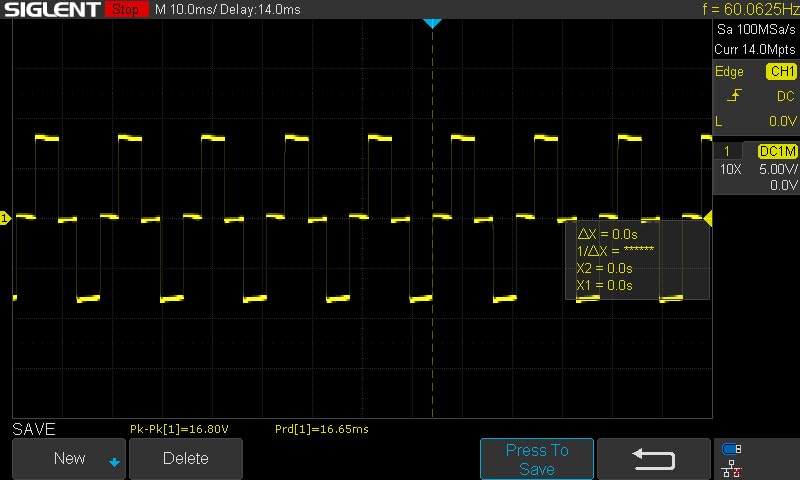
The picture shows a scope trace of what they are calling a "simulated sine wave" of the 600VA unit. Fine for most applications, but be aware that the 600va unit isn't pure sine wave.
The picture shows a scope trace of what they are calling a "simulated sine wave" of the 600VA unit. Fine for most applications, but be aware that the 600va unit isn't pure sine wave.
Our support team can help with product selection, compatibility, setup, and troubleshooting.
Shipping Information
Find delivery estimates and shipping details for your order.
Customer Support
Get product selection, setup, and troubleshooting support.
FAQs
Review common compatibility, installation, and application questions.
Contact Us
Contact our team when you need help matching a power solution to your equipment.