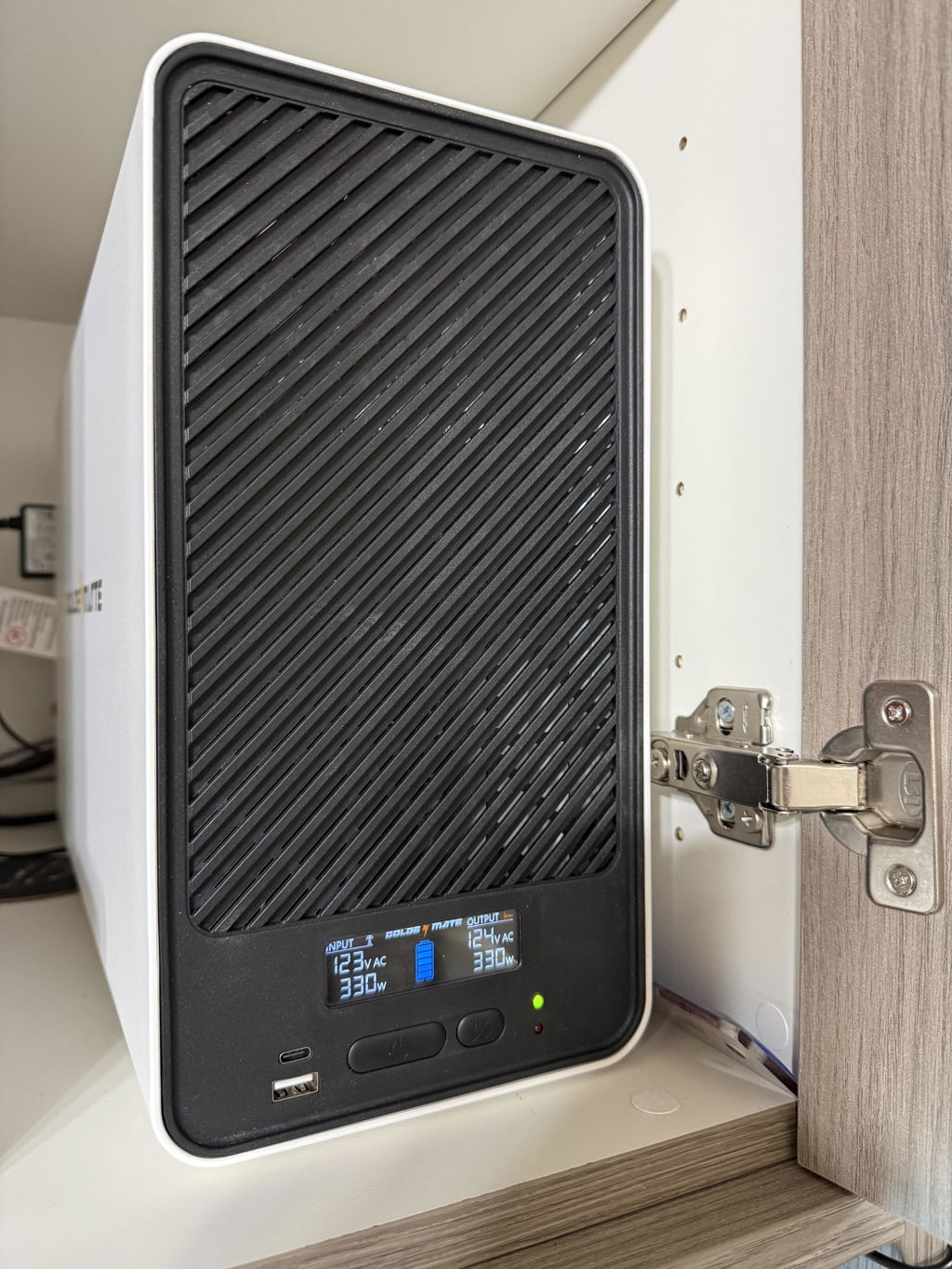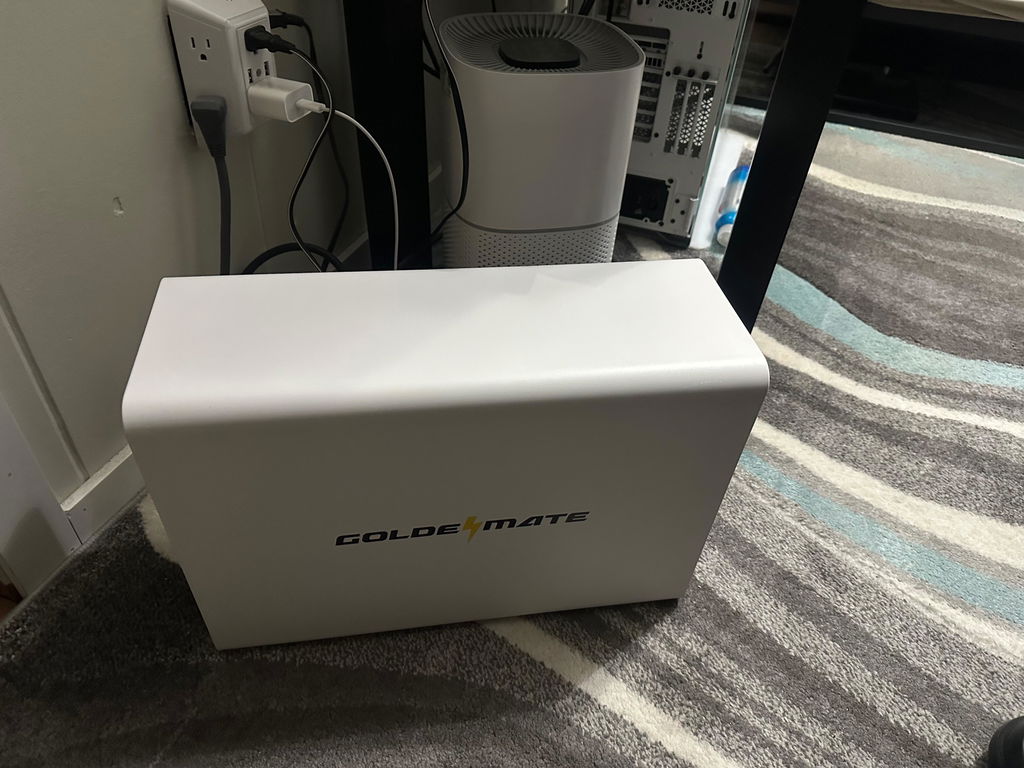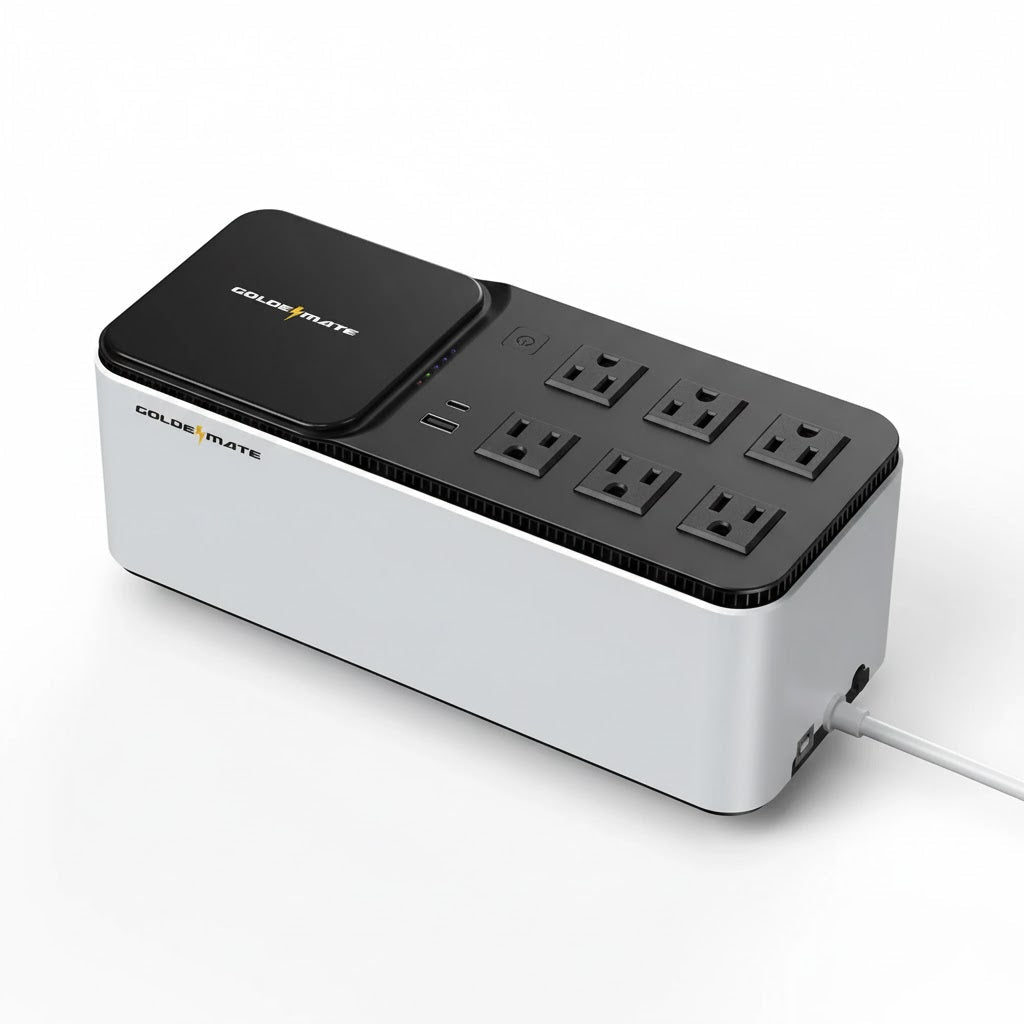
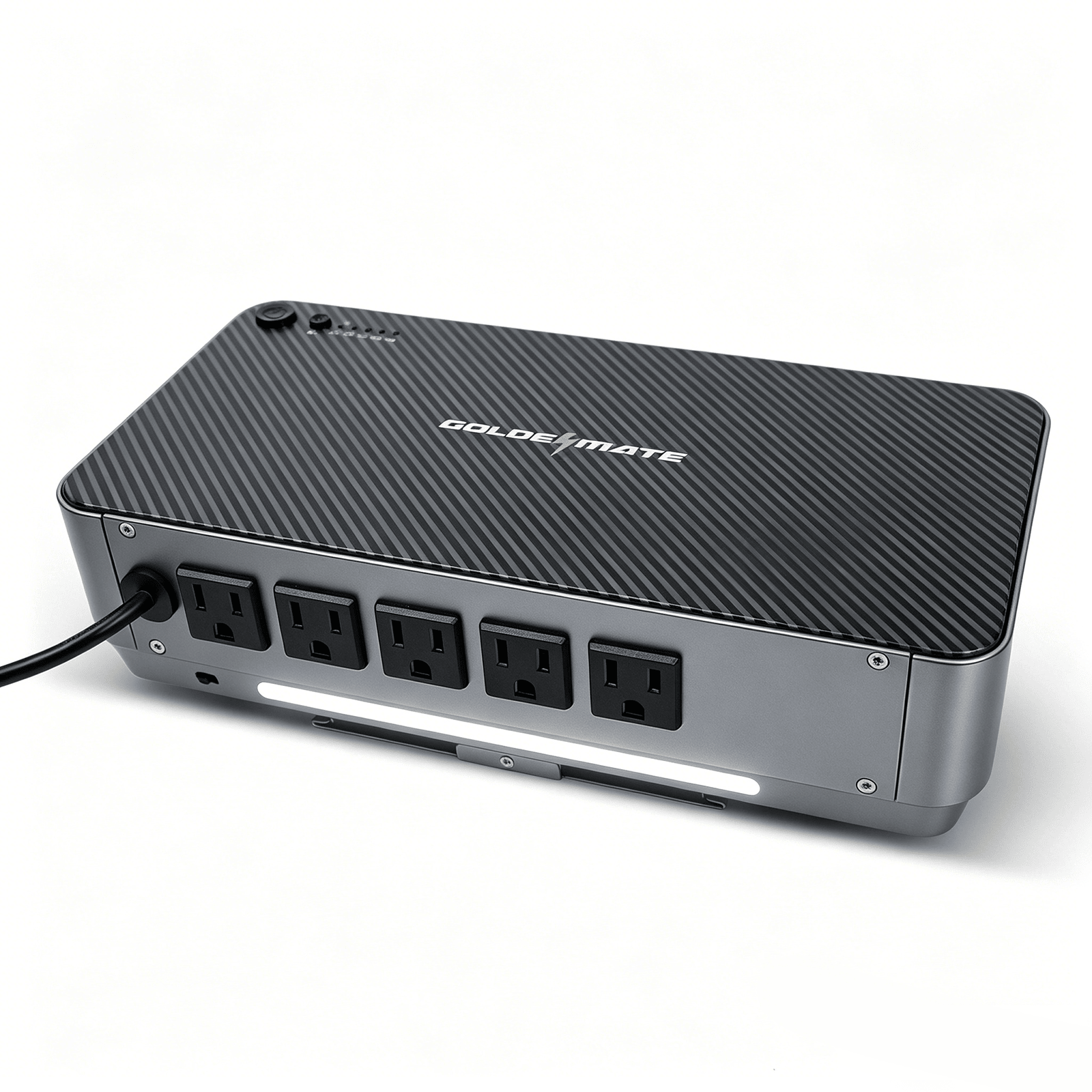
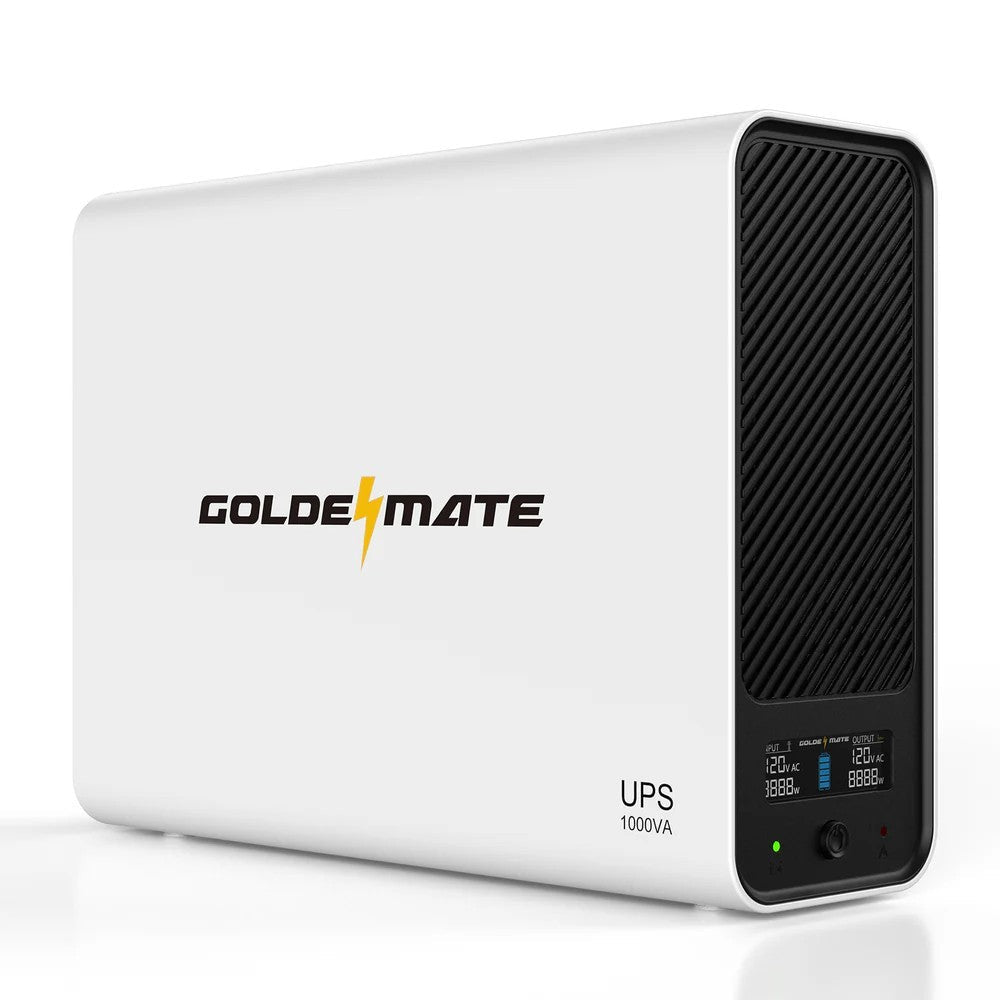
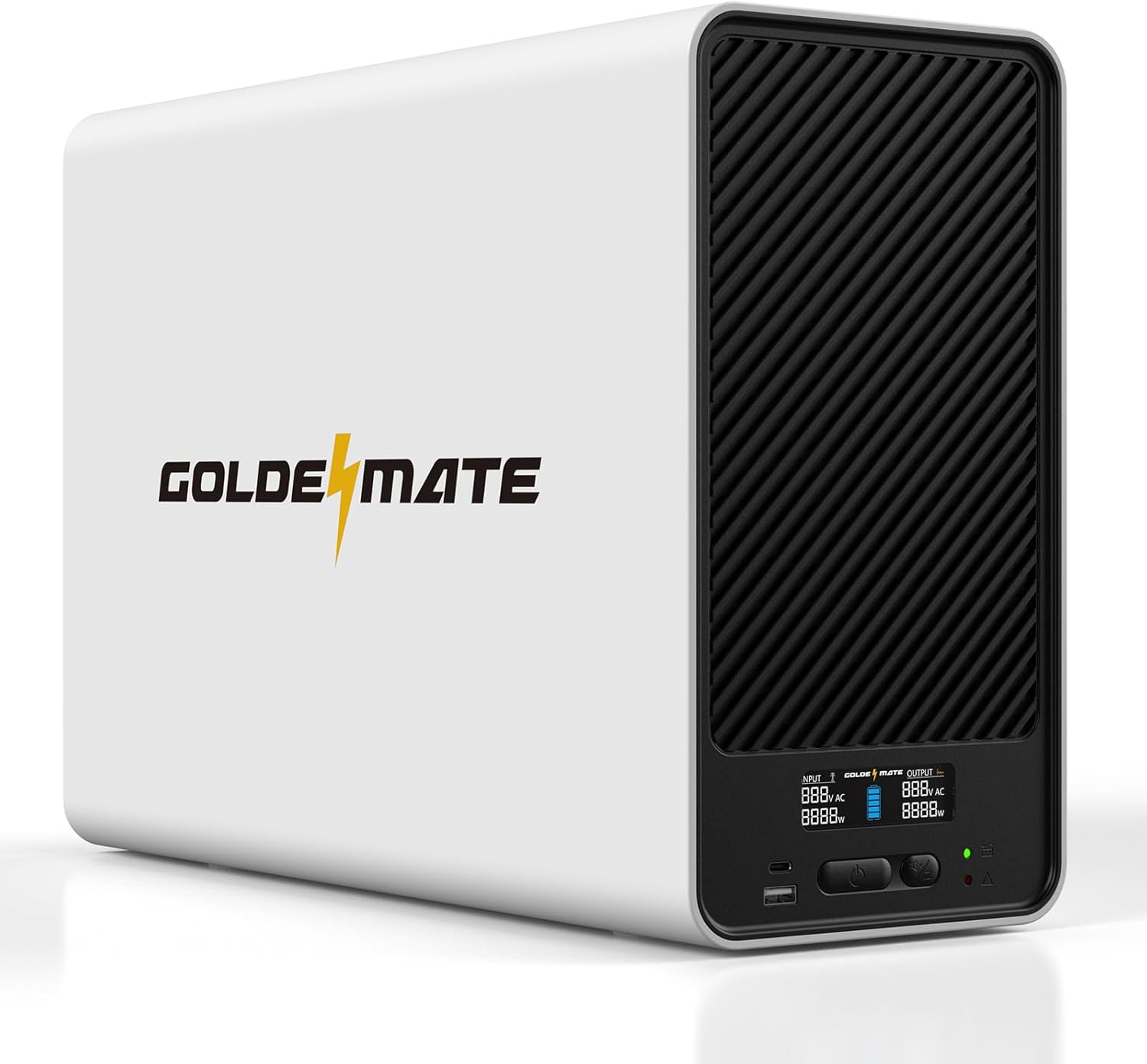
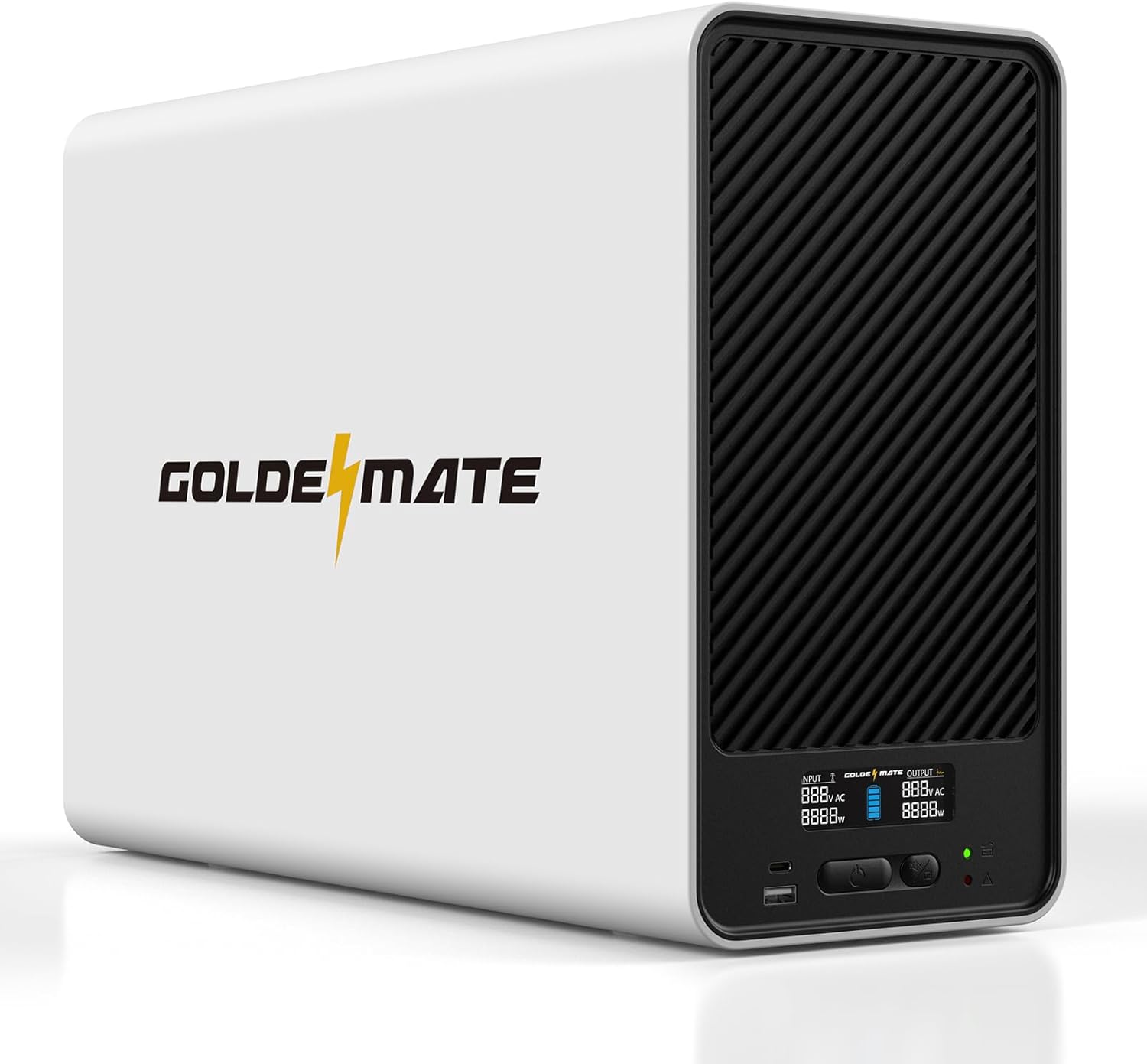
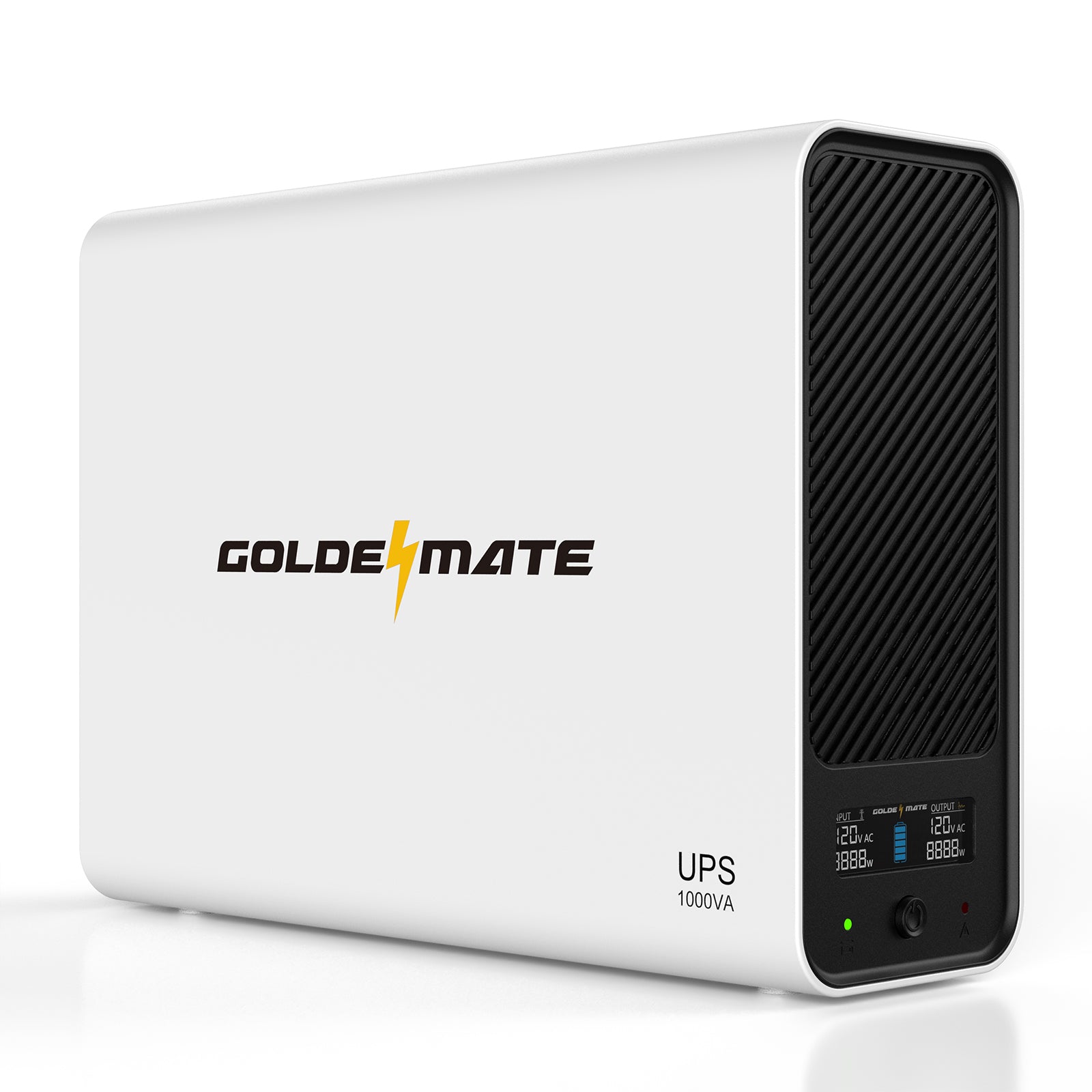
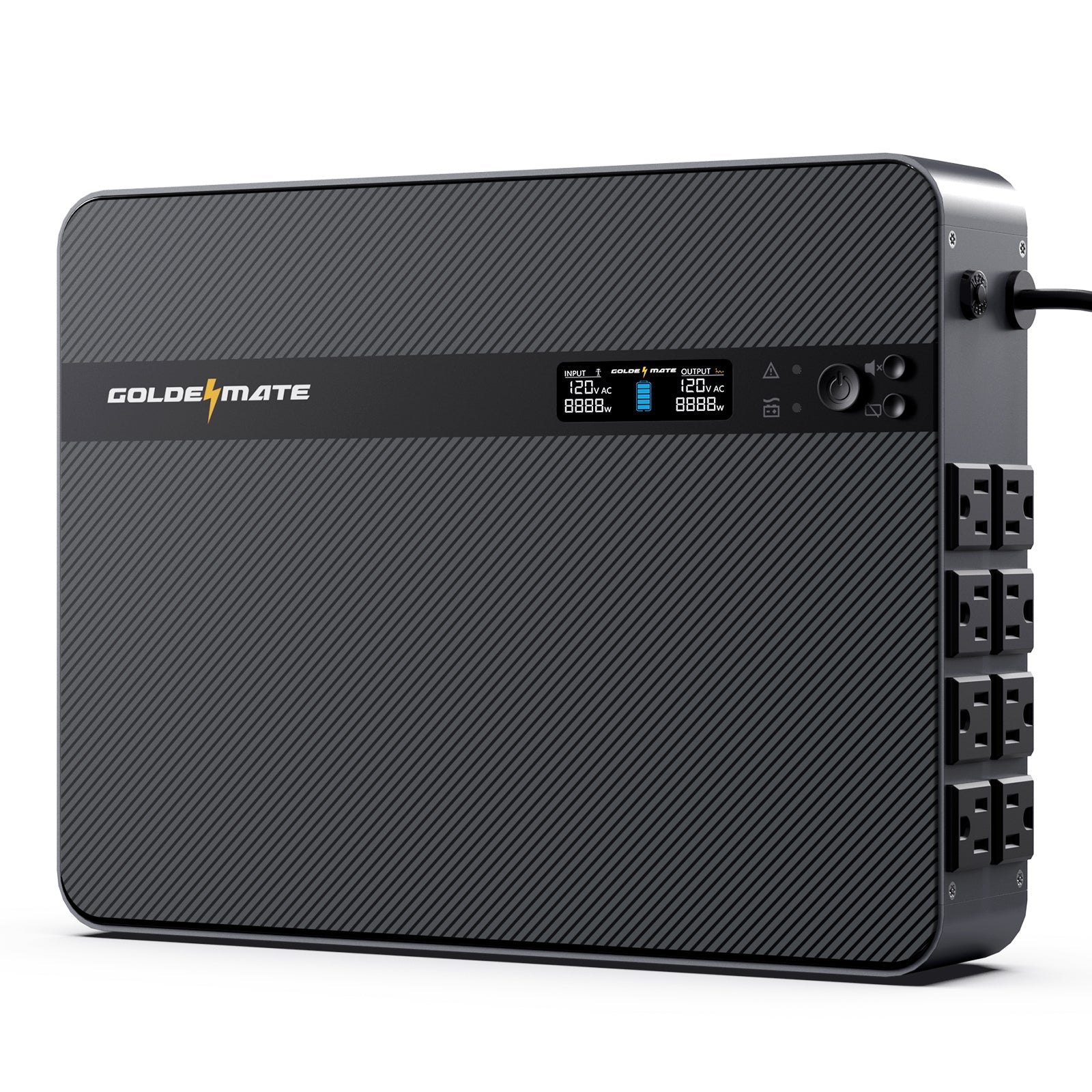

LiFePO4 chemistry is built for repeated cycling, helping reduce the battery-replacement routine of a conventional office UPS.
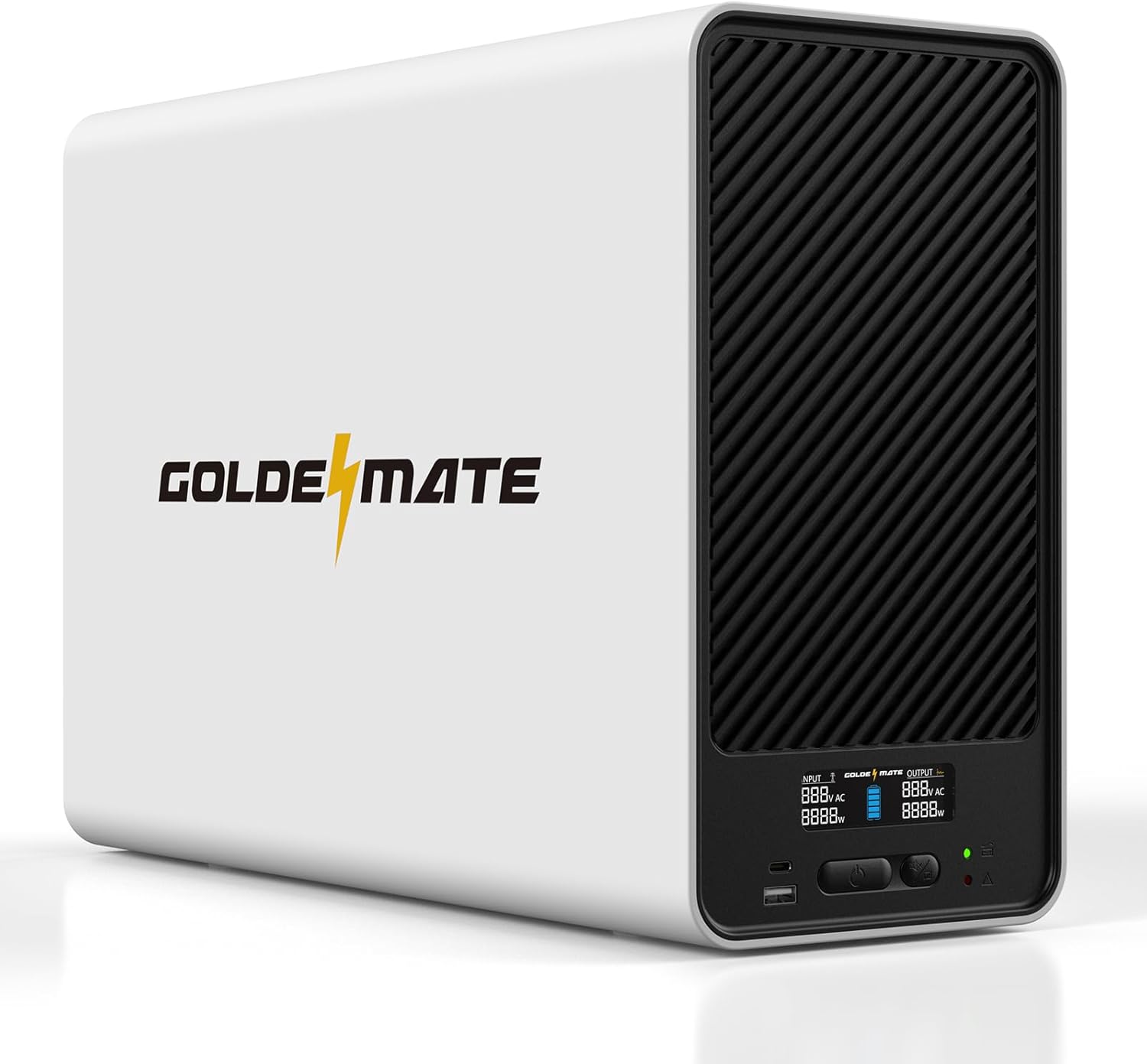

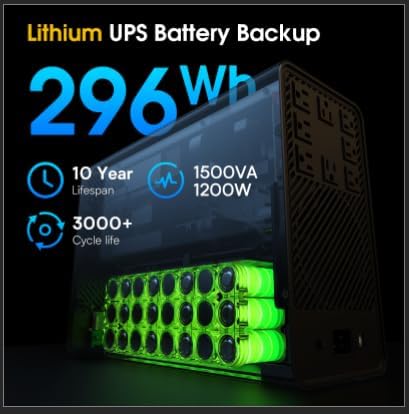


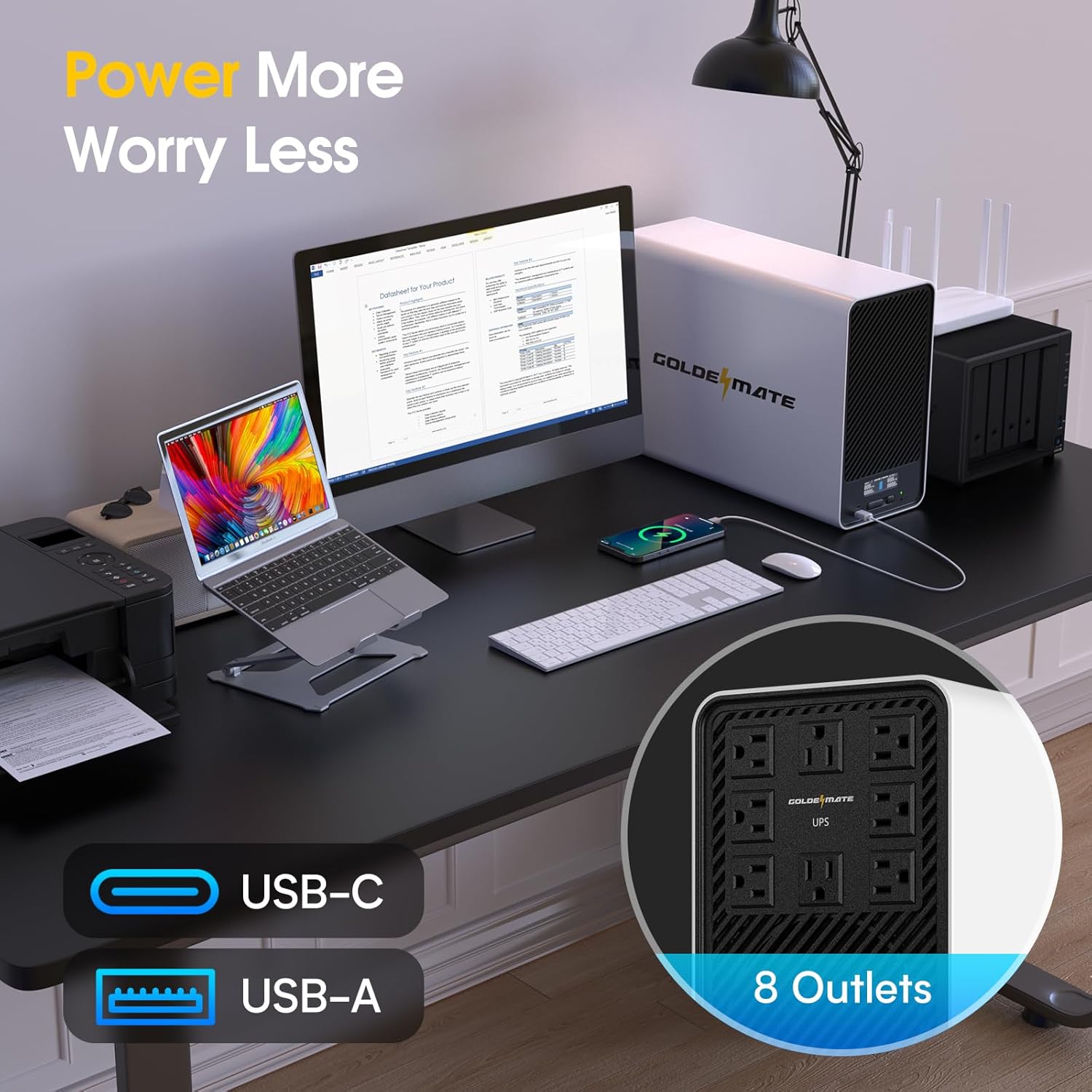
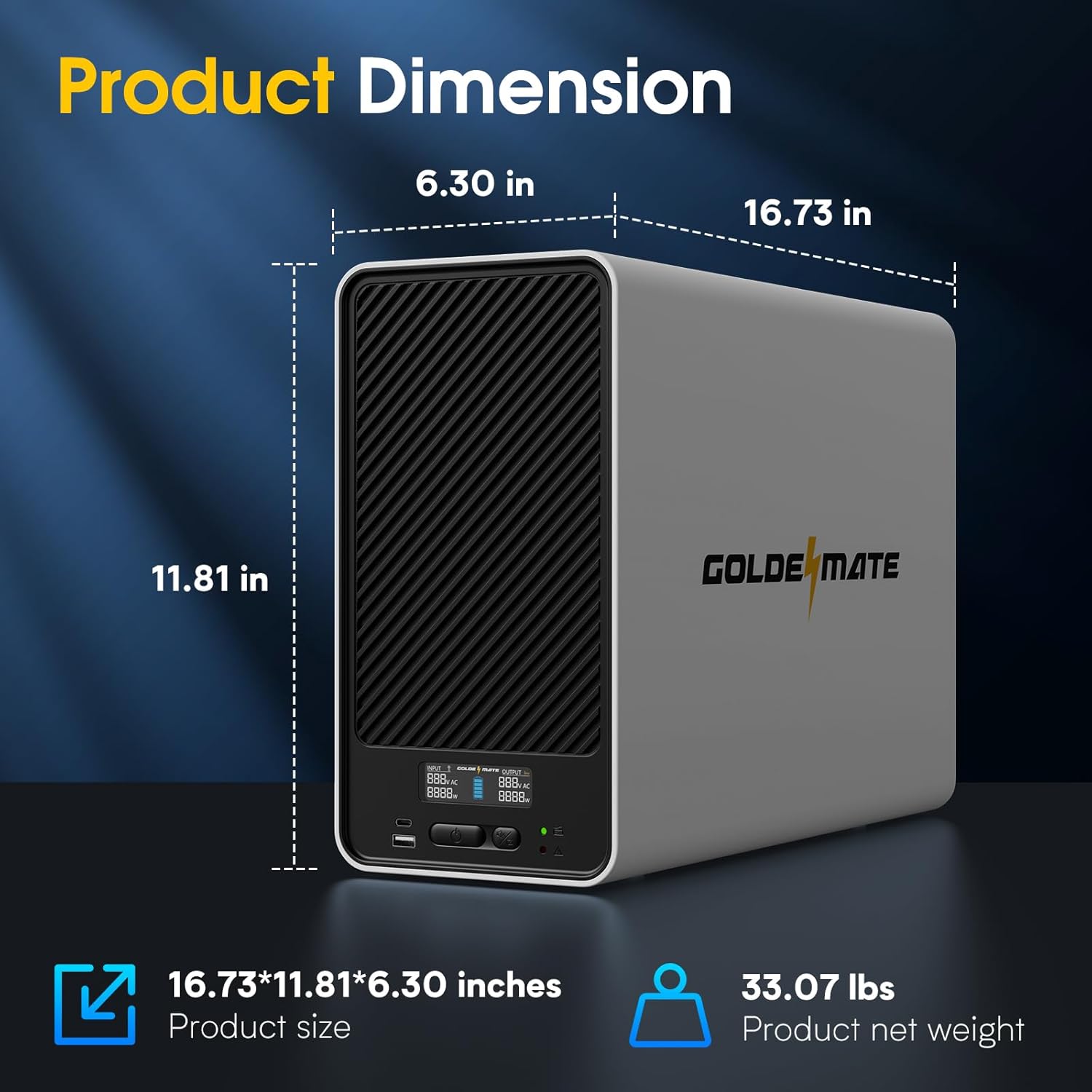
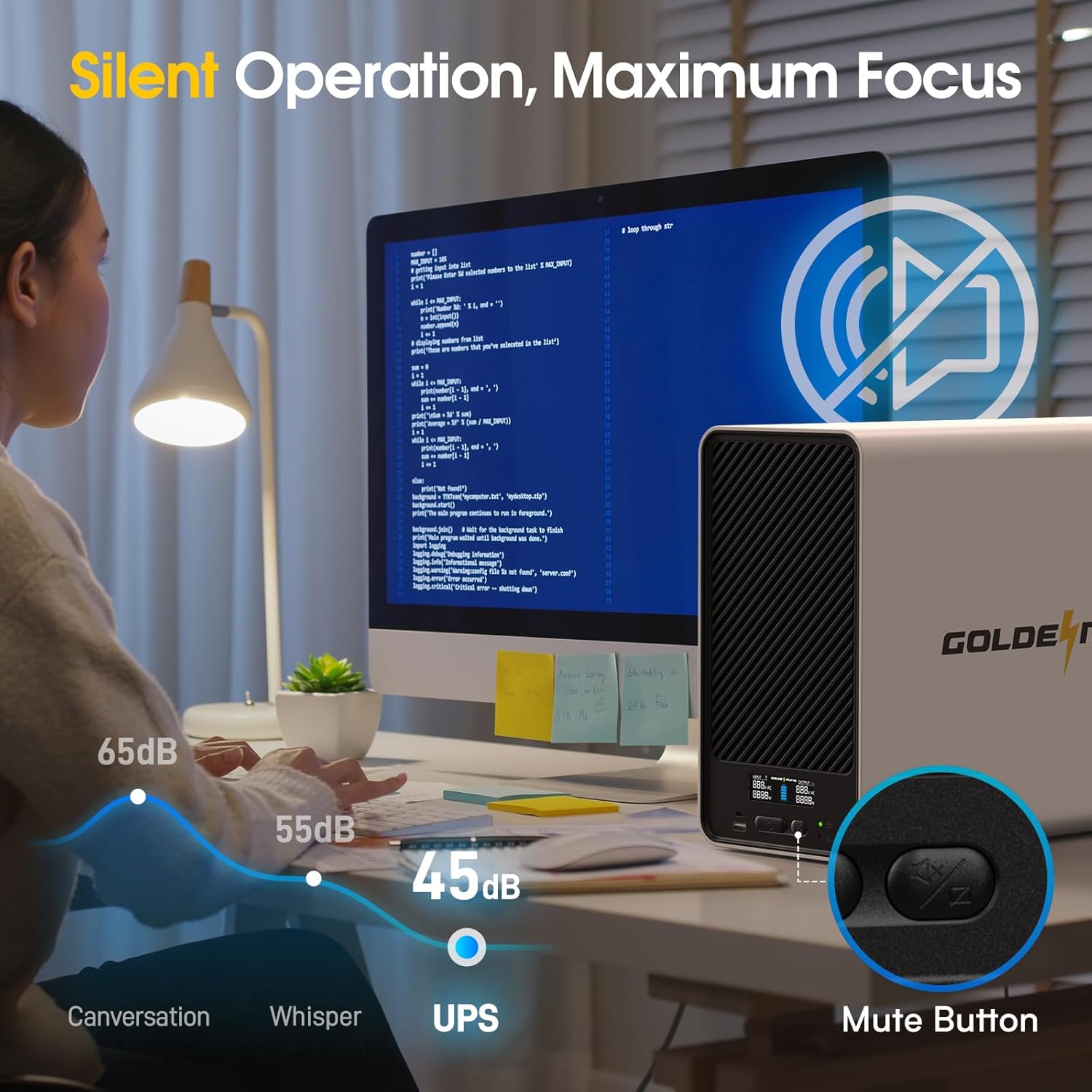
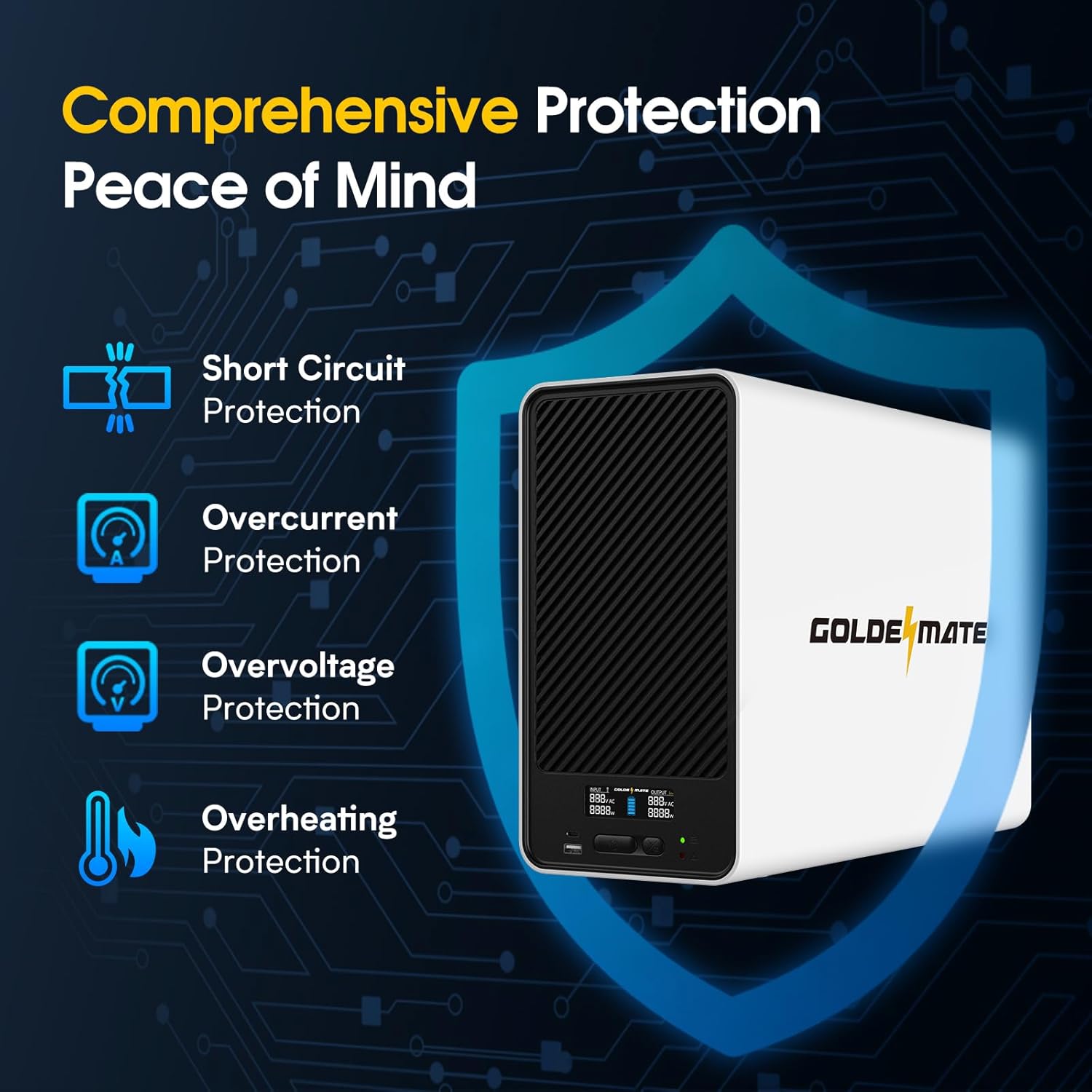
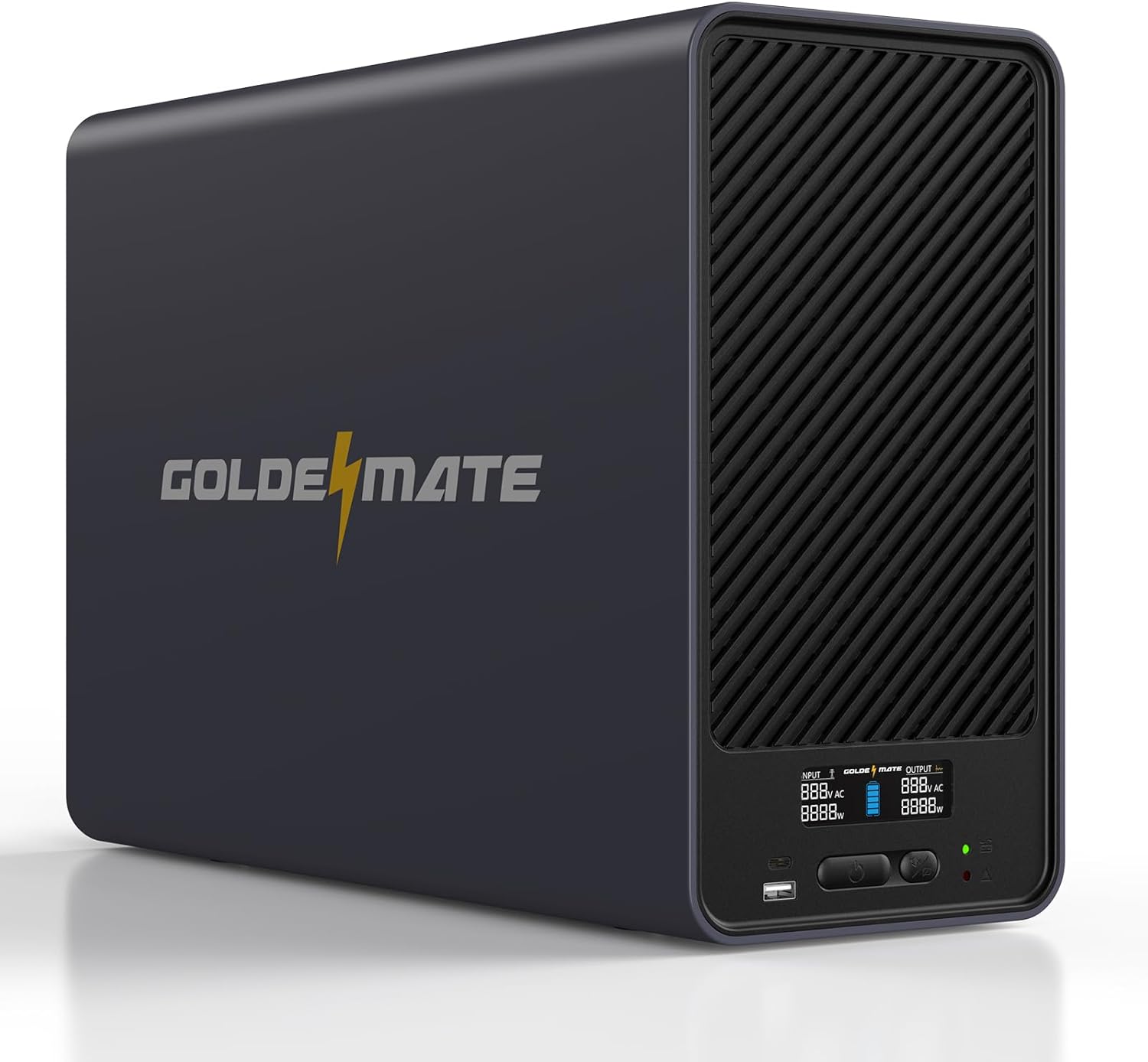
1500VA/1200W Pure Sine Wave Lithium UPS Battery Backup
In stock! Ships within 1-2 business days.
30-day hassle-free returns.
2-year limited warranty.
Free standard shipping.
Pairs well with
1500VA/1200W LiFePO4 UPS 8 Outlets (296Wh) AVR


I've used many UPS models and brands (mostly APC) but so far Goldmate has impress me with its electronics. Best UPS I've owned to date. I cannot recommend enough for anyone using engineering types of PCs, as well as Intelligent driven homes. Specially, in bad weather (brown outs due to power failure) or power spikes
Overall the ups is great. Really efficient and charges quickly. Handles my rtx4090 with no issues if I need to power down etc.
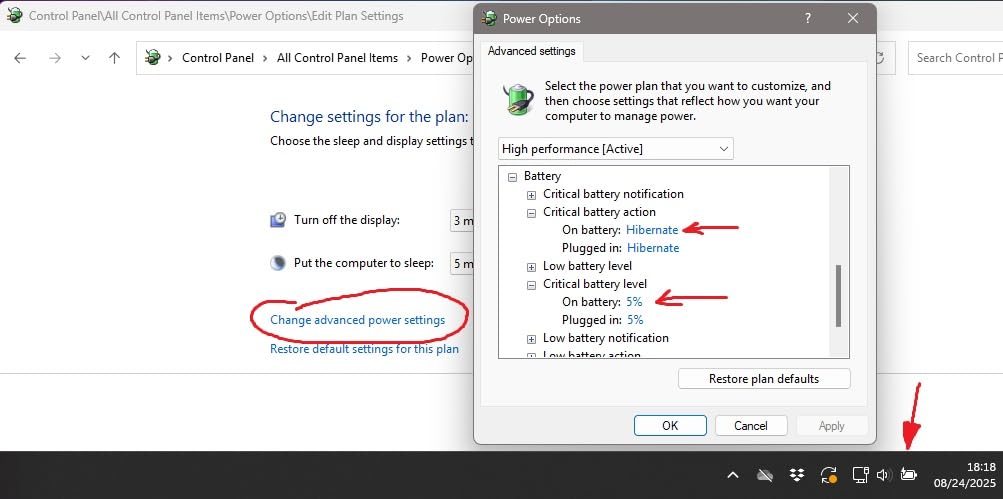
After getting frustrated by years of frequently replacing sealed lead acid (SLA) batteries in my CyberPower and APC uninterruptible power supplies (UPS), I finally decided to move up to a lithium battery powered solution. This price was fairly reasonable for a high-powered unit - maybe double the cost of an SLA UPS, but I won't have to replace the batteries four times over the same lifespan - which means it's actually going to be cheaper in the long run.This unit is big at 17 inches deep, 6 inches wide, and 12 inches high, but for that I get plenty of power to keep my gaming-capable PC and a couple monitors and peripherals running for quite some time during power outages. We had an extended outage while I was away from the house, and my data logging apps showed me that the PC stayed alive and awake for nearly an hour before reaching a critical battery level (5%) and hibernating.The model I bought - the 1500VA, 1000W version, has a USB port to connect it to my PC for low-battery shutdown. BUT: there's no separate monitoring app for this unit. And the instructions for hooking it up to the computer via USB to have it shut down the computer are basically nonexistent. However, I discovered that it works directly with Windows' own built-in battery monitoring. In fact, now that I have it connected, I get the little battery icon in the taskbar, just like on my notebook PC. (See the image.)So to get it working, here's what you do: just plug the USB cable into the Goldenmate port and into your PC. Then follow this advice from ChatGPT on how to do it (this checks out on my PC):On Windows 11, you can control the battery level at which your PC hibernates by adjusting the Critical battery level and Critical battery action settings in the advanced power options. Here’s how:Steps:1. Open Power Options- Press Win + R, type control, and hit Enter.- Go to: Hardware and Sound > Power Options.- Click Change plan settings next to your active plan.- Then select Change advanced power settings.2. Expand the Battery section- In the Power Options dialog, scroll down and expand Battery.3. Adjust Critical Battery Level- Expand Critical battery level.- Set the percentage (for both "On battery" and "Plugged in" if available).- This is the point at which Windows considers the battery critical.4. Set Critical Battery Action- Expand Critical battery action.- Change the action to Hibernate (instead of Shutdown or Do nothing).5. Optional: Low Battery Settings- Expand Low battery level (a higher threshold, e.g., 10–15%).- Expand Low battery action (usually set to notify).- This ensures you get a warning before the system hibernates.6. Apply and Save- Click Apply > OK, then close everything.
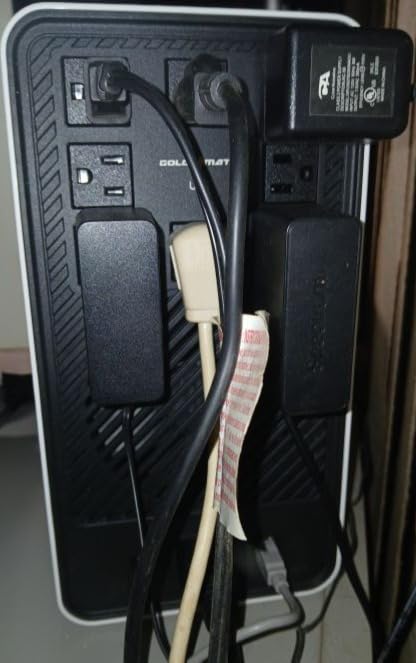
I love the plug layout on this backup. I can now plug in the ridiculously large modem and router plugs without covering up available plugs. No more playing musical plugs when the power goes out. All of the plugs are on battery backup, no surge protection only, which is great.I live in the woods and we have frequent power blinks and outages during storms, so a backup with AVR and Pure Sine Wave are a must.It took maybe five minutes to setup the backup, very easy to do. The cord was plenty long to sit the backup on top of the desk and plug it into the wall next to it.The USB ports on the front are handy. They are 10w, so slow charging.The only reason I gave this a four star and not a five is there are no minutes remaining on the backup display, at least not that I've found. I would love to see that. You can see the battery icon on the PC, like on a laptop, BUT the first thing I do in a power outage is turn off the PC. My PC draws about a 100w and has always drained the battery quickly on my old backup, so the first thing I do in a power outage is turn off the PC. This leaves a light, the modem, and router on backup, so we're not sitting in the dark and can use mobile devices to access the Wi-Fi for weather reports and entertainment.The blue in the battery icon on the display does appear to change as the battery drains down, but doesn't give you the time left on battery.Only time will tell about the length of the battery life. I really hope it lasts ten years. I'm looking forward to not having to buy and replace batteries every couple of years.I'm very happy with my purchase so far. :)
Specs are great and I love the LiFEPO2 battery technology. The device works well as a UPS, and transparently switches to battery power when needed. I like the product alot.HOWEVER - I was doing some testing and discovered that the 2000VA (Not the 1500VA) version appears to have a significant issue. There are a nice number of outlets on the back, but the LIVE and NEUTRAL inputs are reversed. See enclosed picture from Klein Power Tester (a highly recommended product). I have six 2000VA units that show the problem and a single 1500VA that doesn't, so it looks like a manufacturing issue.I have other test equipment and have tested in several different configurations, and I am sure that LIVE AND NEUTRAL are reversed.This is an interesting issue and will not cause a problem for a purely resistive or inductive loads. Remember when all household outlets were 2 (non-keyed) pins. However, I can see situations with more specific devices and in particualr specific power transfer switches where this could cause a problem.Bottom line is that the pins are keyed and the assumption is that this identifies LIVE vs NEUTRALThe manufacturer may have a reson for all of this, although I couldn't come up with one.As these devices are VERY heavy, I didn't want to return them or just ignore. So, I built a short cross-over assembly that reswaps LIVE and NEUTRAL - This is my solution, I'm not recommending it for anyone else particularly anyone who doesn't have electrical engineering experience.
After getting frustrated by years of frequently replacing sealed lead acid (SLA) batteries in my CyberPower and APC uninterruptible power supplies (UPS), I finally decided to move up to a lithium battery powered solution. This price was fairly reasonable for a high-powered unit - maybe double the cost of an SLA UPS, but I won't have to replace the batteries four times over the same lifespan - which means it's actually going to be cheaper in the long run.This unit is big at 17 inches deep, 6 inches wide, and 12 inches high, but for that I get plenty of power to keep my gaming-capable PC and a couple monitors and peripherals running for quite some time during power outages. We had an extended outage while I was away from the house, and my data logging apps showed me that the PC stayed alive and awake for nearly an hour before reaching a critical battery level (5%) and hibernating.The model I bought - the 1500VA, 1000W version, has a USB port to connect it to my PC for low-battery shutdown. BUT: there's no separate monitoring app for this unit. And the instructions for hooking it up to the computer via USB to have it shut down the computer are basically nonexistent. However, I discovered that it works directly with Windows' own built-in battery monitoring. In fact, now that I have it connected, I get the little battery icon in the taskbar, just like on my notebook PC. (See the image.)So to get it working, here's what you do: just plug the USB cable into the Goldenmate port and into your PC. Then follow this advice from ChatGPT on how to do it (this checks out on my PC):On Windows 11, you can control the battery level at which your PC hibernates by adjusting the Critical battery level and Critical battery action settings in the advanced power options. Here’s how:Steps:1. Open Power Options- Press Win + R, type control, and hit Enter.- Go to: Hardware and Sound > Power Options.- Click Change plan settings next to your active plan.- Then select Change advanced power settings.2. Expand the Battery section- In the Power Options dialog, scroll down and expand Battery.3. Adjust Critical Battery Level- Expand Critical battery level.- Set the percentage (for both "On battery" and "Plugged in" if available).- This is the point at which Windows considers the battery critical.4. Set Critical Battery Action- Expand Critical battery action.- Change the action to Hibernate (instead of Shutdown or Do nothing).5. Optional: Low Battery Settings- Expand Low battery level (a higher threshold, e.g., 10–15%).- Expand Low battery action (usually set to notify).- This ensures you get a warning before the system hibernates.6. Apply and Save- Click Apply > OK, then close everything.
After getting frustrated by years of frequently replacing sealed lead acid (SLA) batteries in my CyberPower and APC uninterruptible power supplies (UPS), I finally decided to move up to a lithium battery powered solution. This price was fairly reasonable for a high-powered unit - maybe double the cost of an SLA UPS, but I won't have to replace the batteries four times over the same lifespan - which means it's actually going to be cheaper in the long run.This unit is big at 17 inches deep, 6 inches wide, and 12 inches high, but for that I get plenty of power to keep my gaming-capable PC and a couple monitors and peripherals running for quite some time during power outages. We had an extended outage while I was away from the house, and my data logging apps showed me that the PC stayed alive and awake for nearly an hour before reaching a critical battery level (5%) and hibernating.The model I bought - the 1500VA, 1000W version, has a USB port to connect it to my PC for low-battery shutdown. BUT: there's no separate monitoring app for this unit. And the instructions for hooking it up to the computer via USB to have it shut down the computer are basically nonexistent. However, I discovered that it works directly with Windows' own built-in battery monitoring. In fact, now that I have it connected, I get the little battery icon in the taskbar, just like on my notebook PC. (See the image.)So to get it working, here's what you do: just plug the USB cable into the Goldenmate port and into your PC. Then follow this advice from ChatGPT on how to do it (this checks out on my PC):On Windows 11, you can control the battery level at which your PC hibernates by adjusting the Critical battery level and Critical battery action settings in the advanced power options. Here’s how:Steps:1. Open Power Options- Press Win + R, type control, and hit Enter.- Go to: Hardware and Sound > Power Options.- Click Change plan settings next to your active plan.- Then select Change advanced power settings.2. Expand the Battery section- In the Power Options dialog, scroll down and expand Battery.3. Adjust Critical Battery Level- Expand Critical battery level.- Set the percentage (for both "On battery" and "Plugged in" if available).- This is the point at which Windows considers the battery critical.4. Set Critical Battery Action- Expand Critical battery action.- Change the action to Hibernate (instead of Shutdown or Do nothing).5. Optional: Low Battery Settings- Expand Low battery level (a higher threshold, e.g., 10–15%).- Expand Low battery action (usually set to notify).- This ensures you get a warning before the system hibernates.6. Apply and Save- Click Apply > OK, then close everything.
I love the plug layout on this backup. I can now plug in the ridiculously large modem and router plugs without covering up available plugs. No more playing musical plugs when the power goes out. All of the plugs are on battery backup, no surge protection only, which is great.I live in the woods and we have frequent power blinks and outages during storms, so a backup with AVR and Pure Sine Wave are a must.It took maybe five minutes to setup the backup, very easy to do. The cord was plenty long to sit the backup on top of the desk and plug it into the wall next to it.The USB ports on the front are handy. They are 10w, so slow charging.The only reason I gave this a four star and not a five is there are no minutes remaining on the backup display, at least not that I've found. I would love to see that. You can see the battery icon on the PC, like on a laptop, BUT the first thing I do in a power outage is turn off the PC. My PC draws about a 100w and has always drained the battery quickly on my old backup, so the first thing I do in a power outage is turn off the PC. This leaves a light, the modem, and router on backup, so we're not sitting in the dark and can use mobile devices to access the Wi-Fi for weather reports and entertainment.The blue in the battery icon on the display does appear to change as the battery drains down, but doesn't give you the time left on battery.Only time will tell about the length of the battery life. I really hope it lasts ten years. I'm looking forward to not having to buy and replace batteries every couple of years.I'm very happy with my purchase so far. :)
I love the plug layout on this backup. I can now plug in the ridiculously large modem and router plugs without covering up available plugs. No more playing musical plugs when the power goes out. All of the plugs are on battery backup, no surge protection only, which is great.I live in the woods and we have frequent power blinks and outages during storms, so a backup with AVR and Pure Sine Wave are a must.It took maybe five minutes to setup the backup, very easy to do. The cord was plenty long to sit the backup on top of the desk and plug it into the wall next to it.The USB ports on the front are handy. They are 10w, so slow charging.The only reason I gave this a four star and not a five is there are no minutes remaining on the backup display, at least not that I've found. I would love to see that. You can see the battery icon on the PC, like on a laptop, BUT the first thing I do in a power outage is turn off the PC. My PC draws about a 100w and has always drained the battery quickly on my old backup, so the first thing I do in a power outage is turn off the PC. This leaves a light, the modem, and router on backup, so we're not sitting in the dark and can use mobile devices to access the Wi-Fi for weather reports and entertainment.The blue in the battery icon on the display does appear to change as the battery drains down, but doesn't give you the time left on battery.Only time will tell about the length of the battery life. I really hope it lasts ten years. I'm looking forward to not having to buy and replace batteries every couple of years.I'm very happy with my purchase so far. :)
Specs are great and I love the LiFEPO2 battery technology. The device works well as a UPS, and transparently switches to battery power when needed. I like the product alot.HOWEVER - I was doing some testing and discovered that the 2000VA (Not the 1500VA) version appears to have a significant issue. There are a nice number of outlets on the back, but the LIVE and NEUTRAL inputs are reversed. See enclosed picture from Klein Power Tester (a highly recommended product). I have six 2000VA units that show the problem and a single 1500VA that doesn't, so it looks like a manufacturing issue.I have other test equipment and have tested in several different configurations, and I am sure that LIVE AND NEUTRAL are reversed.This is an interesting issue and will not cause a problem for a purely resistive or inductive loads. Remember when all household outlets were 2 (non-keyed) pins. However, I can see situations with more specific devices and in particualr specific power transfer switches where this could cause a problem.Bottom line is that the pins are keyed and the assumption is that this identifies LIVE vs NEUTRALThe manufacturer may have a reson for all of this, although I couldn't come up with one.As these devices are VERY heavy, I didn't want to return them or just ignore. So, I built a short cross-over assembly that reswaps LIVE and NEUTRAL - This is my solution, I'm not recommending it for anyone else particularly anyone who doesn't have electrical engineering experience.
Specs are great and I love the LiFEPO2 battery technology. The device works well as a UPS, and transparently switches to battery power when needed. I like the product alot.HOWEVER - I was doing some testing and discovered that the 2000VA (Not the 1500VA) version appears to have a significant issue. There are a nice number of outlets on the back, but the LIVE and NEUTRAL inputs are reversed. See enclosed picture from Klein Power Tester (a highly recommended product). I have six 2000VA units that show the problem and a single 1500VA that doesn't, so it looks like a manufacturing issue.I have other test equipment and have tested in several different configurations, and I am sure that LIVE AND NEUTRAL are reversed.This is an interesting issue and will not cause a problem for a purely resistive or inductive loads. Remember when all household outlets were 2 (non-keyed) pins. However, I can see situations with more specific devices and in particualr specific power transfer switches where this could cause a problem.Bottom line is that the pins are keyed and the assumption is that this identifies LIVE vs NEUTRALThe manufacturer may have a reson for all of this, although I couldn't come up with one.As these devices are VERY heavy, I didn't want to return them or just ignore. So, I built a short cross-over assembly that reswaps LIVE and NEUTRAL - This is my solution, I'm not recommending it for anyone else particularly anyone who doesn't have electrical engineering experience.
Needs better nut support.
It's great. I like how the outlets are set up, so that some of those larger/bulkier plugs can be plugged in without taking up two outlets. It's super quiet. It is hefty enough that it needs to be on the floor, which wasn't a problem because that is where the old one went. I appreciate the LED screen on the front. This was for our church media booth. First time buying Goldenmate, but definitely not the last. We will be replacing more of our old backup batteries - will definitely be looking to buy some more Goldenmate.
Extremely frustrating experience post checkout; having no options for shipping and choosing the worst courier on earth in FedEx is a bad choice that makes me very unlikely to ever repeat business, even if the unit works flawlesly. My only hope is that I never have to RMA.
Great battery, but the information on the state of the battery offered by the communication port is severely lacking. Managed to get it talking to my NUT server and the only useful metric it offers is the battery charge percentage. There is a display on the front that has measurements of current power draw from connected devices and from the wall itself. However that information is not accessible from the communication port and only from the front display, which will only power on for 30 seconds. So no way to display or track these statistics without the use of an external smart plug or a managed/metered pdu, unless you want to hack together an interface with the front display like this guy has done (https://github.com/CuriousTech/GoldenChute). Good luck to you if you want to implement any sort of remote control. If you can deal with these short comings the level of performance and longevity offered by this device is unmatched at this price point.
Great units; plenty of power, and they weem well built.
I wish - as in most other UPS - there was a way to permanently silent alerts; if the unit is already connected through USB to a computer, there isn't much sense in emitting a persistent loud beep in case of alert...
Beware, no Surge only outlets. if you are used to a UPS that has Battery +Surge and Surge only outlets, you may need to rethink things.I was able to free up an outlet I could put a surge protector on for printers and other devices I don't want draining my UPS.Beyond that, I got 2 of these. An 800W and a 1200W.the 1200W is huge and uses a very heavy duty power cord.I've only had these connected for a couple of days now, so I can't speak to longevity or reliability yet.These are replacing another brand I have reviewed that just keep failing without warning.I'm hopeful the batteries in these are more reliable than the SLA types that most other brands use.After initial setup, I plugged in a good sized TV and a DVR to the 1200W unit and pulled power to the UPS. Both TV and DVR kept working and after a quick press of the mode switch, it silenced the alarm. About 30 minutes later both were still working, pulling about 120-140W of use. Battery still showed full as well. I then plugged it back in and so far so good.The 800W one is powering a loaded PC and monitor. Did a similar test and about 25-30 minutes later, it was still showing a full battery.I've found at this point it's best to do at least a monthly test of your UPS's, to ensure none have failed without showing any issues.I'll report back in a few months with an update, or sooner if I see any issues.
Our support team can help with product selection, compatibility, setup, and troubleshooting.
Shipping Information
Find delivery estimates and shipping details for your order.
Customer Support
Get product selection, setup, and troubleshooting support.
FAQs
Review common compatibility, installation, and application questions.
Contact Us
Contact our team when you need help matching a power solution to your equipment.